EasyManua.ls Logo

Clas Ohlson NE-8302-UK - User Manual

Clas Ohlson NE-8302-UK
36 pages
Print Icon
To Next Page IconTo Next Page
Loading...
EnglishSvenskaNorskSuomiDeutsch
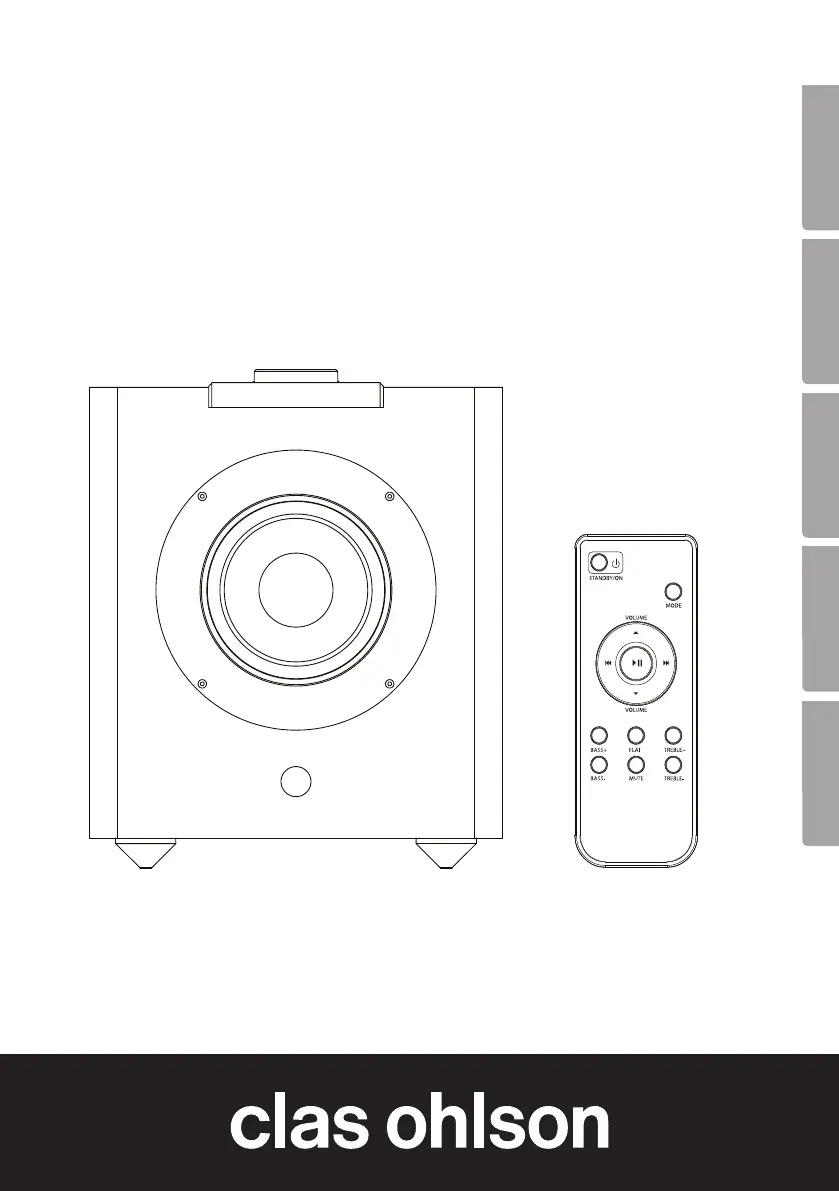
Bluetooth Speaker
Bluetooth-högtalare
Bluetooth-høyttaler
Bluetooth-kaiutin
Bluetooth-Lautsprecher
Art.no Model
18-2849, 18-2850 NE-8302-UK
38-5921, 38-5922 NE-8302
Ver. 20140313

Questions and Answers

  • M
    Mia DuncanAug 9, 2025
    Why is there poor or no sound during Bluetooth or NFC playback on my Clas Ohlson NE-8302-UK Speakers?
    • M
      Megan GonzalezAug 10, 2025
      If you are experiencing poor or no sound during Bluetooth or NFC playback, here are a few things to check: * Ensure the volume is properly adjusted on both your device and the speaker. * Verify that the Bluetooth/NFC connection is working correctly. * Test the playback from your external device before connecting. * Try playing a different file or format, such as MP3. * Confirm that no other wireless devices are disrupting the Bluetooth connection, as a corrupted or incompatible file may be the cause. * Also, make sure the Bluetooth device is within the speaker's range (max 10 m).
  • R
    Robert PachecoAug 14, 2025
    What to do if the remote control doesn’t work with my Clas Ohlson Speakers?
    • W
      wanda27Aug 14, 2025
      If the remote control isn't working, the batteries may be flat, so try changing them. Also, point the remote control directly at the Bluetooth speaker, making sure you are within a 3-meter range. Strong sunlight can block the signals, so ensure that neither the remote control nor the speaker is exposed to it.
  • B
    bakerheatherAug 19, 2025
    What to do if I have poor sound or no sound during playback via the line-in jack on my Clas Ohlson Speakers?
    • J
      jessicaalvarezAug 20, 2025
      If you're experiencing poor or no sound when using the line-in jack, ensure that the 3.5 mm audio cable is undamaged and securely connected to both the device and the speaker. Check the volume level on both the connected device and the speaker. Test the playback from the external device before connecting it. If the file you're trying to play is damaged, try using another file.
  • K
    kimberly14Aug 25, 2025
    How to fix Clas Ohlson NE-8302-UK that freezes or does not operate correctly?
    • J
      Jessica GreenAug 25, 2025
      If your Bluetooth speaker freezes or isn't operating correctly, try disconnecting it completely from the mains by unplugging it from the wall socket. Then, reconnect the plug back into the wall socket.
  • O
    Olivia JohnsonAug 30, 2025
    What to do if my Clas Ohlson NE-8302-UK Speakers will not switch on?
    • S
      Sabrina RobertsAug 30, 2025
      If the speaker will not switch on, make sure that the plug is securely connected to the wall socket and check that the wall socket is live.
  • D
    Dennis JacksonSep 4, 2025
    Why is NFC connection not possible on my Clas Ohlson Speakers?
    • A
      anthony61Sep 4, 2025
      If you're having trouble with the NFC connection, try removing any case attached to your device. Move the device slowly over the NFC detection zone instead of holding it still. Also, ensure that Bluetooth is enabled on your device, as the speaker uses NFC for the initial connection but relies on Bluetooth for communication.

Clas Ohlson NE-8302-UK Specifications

General IconGeneral
BrandClas Ohlson
ModelNE-8302-UK
CategorySpeakers
Power Output5W
Battery Capacity1200mAh
Playback Timeup to 6 hours
Bluetooth Version5.0
Bluetooth Rangeup to 10 meters
Signal-to-Noise Ratio85dB
Input VoltageDC 5V
Charging Time3 hours

Related product manuals