EasyManua.ls Logo

Clas Ohlson BC168 - User Manual

Clas Ohlson BC168
24 pages
Print Icon
To Next Page IconTo Next Page
Loading...
EnglishSvenskaNorskSuomiDeutsch
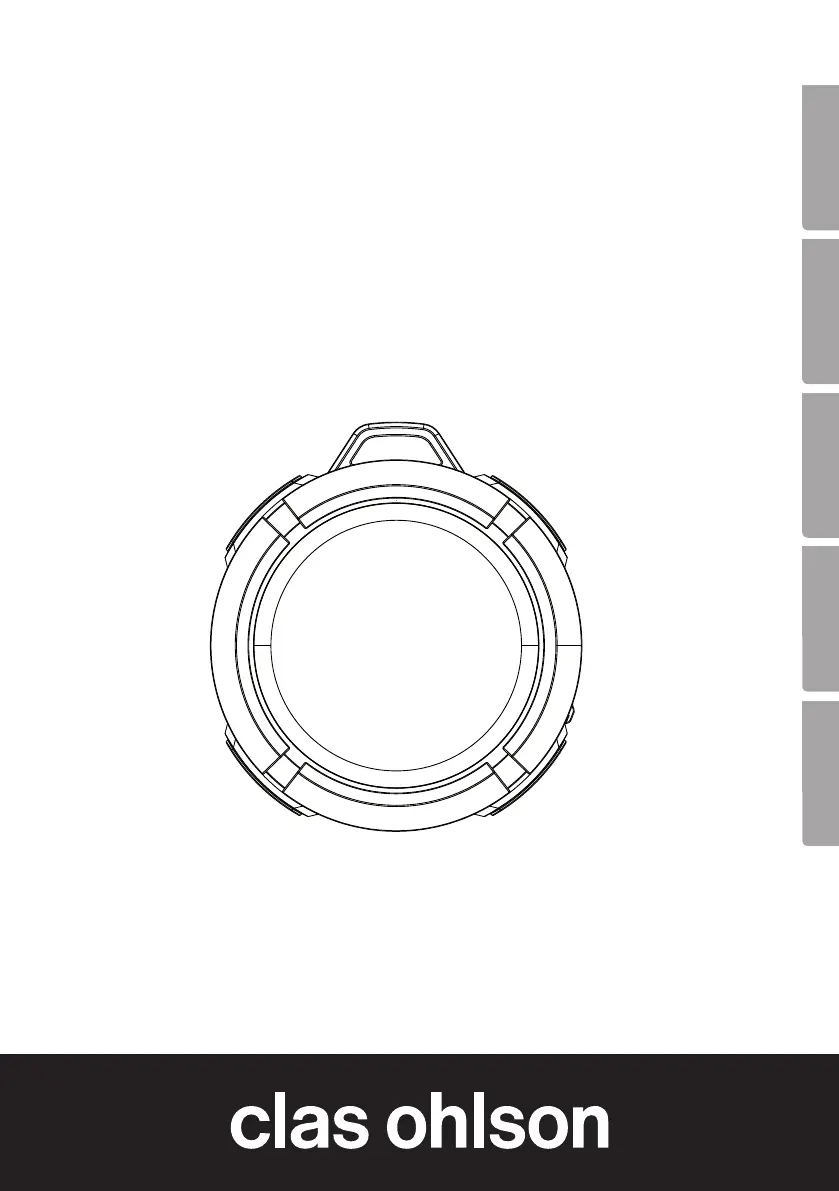
Bluetooth Speaker
Bluetooth-högtalare
Bluetooth-høyttaler
Bluetooth-kaiutin
Bluetooth-Lautsprecher
Art.no Model
38-6869 BC168
Ver. 20150209
CO

Questions and Answers

  • C
    carmenolsenJul 31, 2025
    What to do if there is no sound when connecting a device to Clas Ohlson BC168 via Bluetooth?
    • L
      Lynn CastilloAug 1, 2025
      If there's no sound when an external device is connected to your Clas Ohlson speakers via Bluetooth, first verify the volume level and play/pause status on both the external device and the speaker. Ensure that the Bluetooth connection has been correctly set up. Try playing the file directly on the Bluetooth device to confirm it works. Also, test with a different file in case the original file is incompatible or damaged. Finally, check for any wireless devices that might be interfering with the Bluetooth connection.

Summary

Safety Precautions

Usage Considerations

Buttons and Functions Overview

Volume and Playlist Control

Adjust volume or navigate playlist with long presses or short presses.

Power and On;Off

Controls the power state of the speaker.

Microphone

Integrated microphone for calls.

LED Indicators

Visual feedback on charging and Bluetooth status.

Playback and Call Management

Control playback and handle incoming calls.

Charging Port

Micro-USB port for connecting a charger cable.

Operating Instructions: Charging

Connecting a Bluetooth Device

Managing Incoming Calls

Care and Maintenance

Troubleshooting Guide

Product Disposal

Technical Specifications

Declaration of Conformity

Clas Ohlson BC168 Specifications

General IconGeneral
BrandClas Ohlson
ModelBC168
CategorySpeakers
LanguageEnglish

Related product manuals