EasyManua.ls Logo

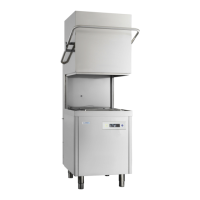
Classeq P500AS - User Manual

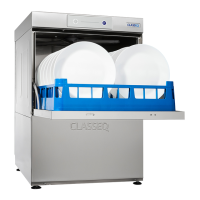
Classeq P500AS
32 pages
Print Icon
To Next Page IconTo Next Page
Loading...
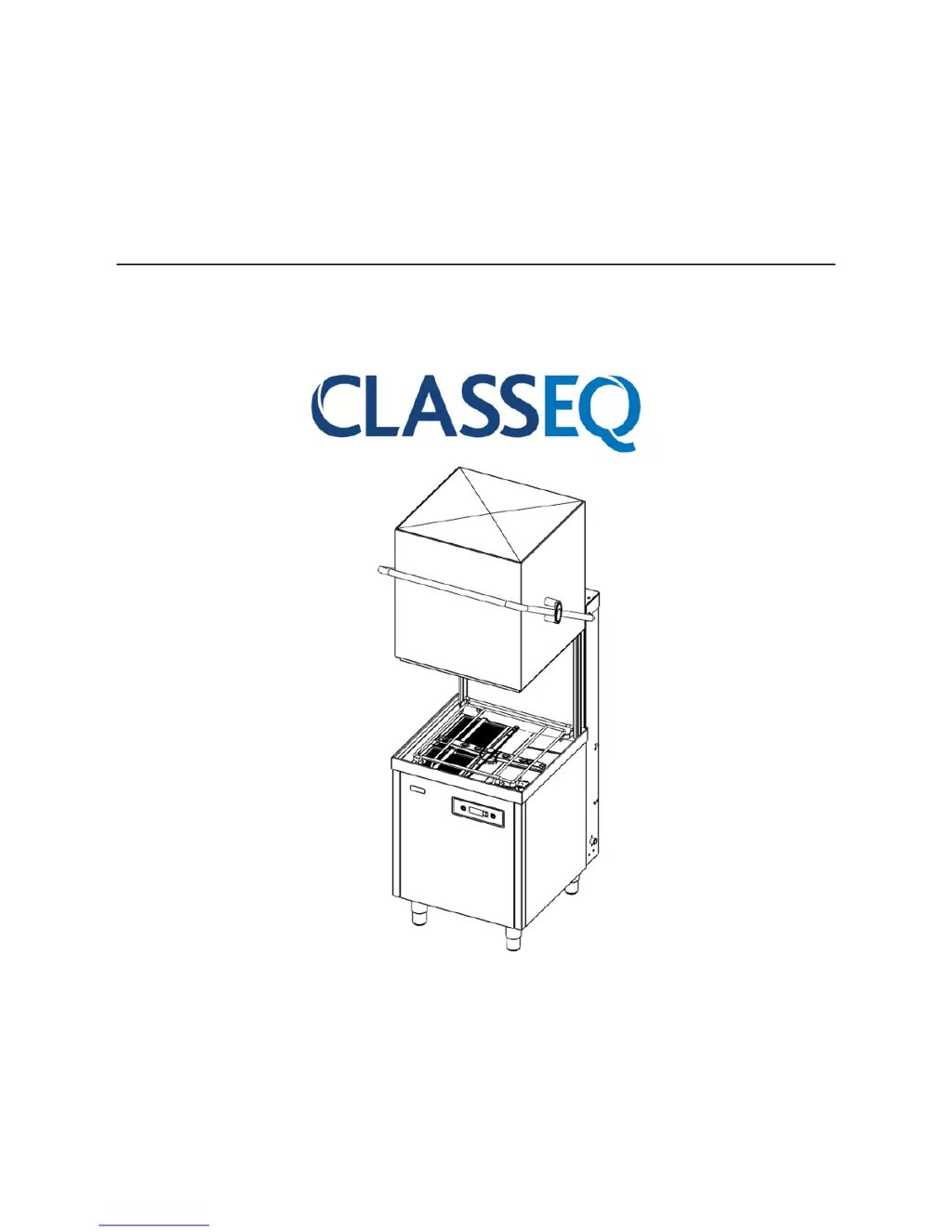
Installation and
operation manual
Pass Through Warewashers
CAUTION: Read these instructions before operating the warewasher
P500
P500A/RBP
P500AS
P500A WS
P500AS WS
A - Air break with rinse
booster pump
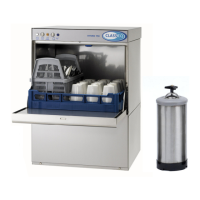
WS Water Softener
AS Dual Rinse Element

Questions and Answers

  • G
    griffithlauraAug 13, 2025
    How to fix a Classeq P500AS Dishwasher that will not fill?
    • A
      Aaron WilliamsAug 13, 2025
      If your Classeq Dishwasher will not fill, verify that the water supply hose is connected to your warewasher and the water supply is turned on. Ensure the water supply hose has not been trapped or kinked, and check that the site water supply has not been interrupted. Also, confirm the warewasher is turned on and the hood is closed.
  • S
    Scott Rhodes IIAug 17, 2025
    What to do when Classeq P500AS Dishwasher does not drain?
    • T
      Terry CooperAug 17, 2025
      To address a Classeq Dishwasher that does not drain, ensure the drain/stand pipe is correct for the warewasher and the site waste is not blocked. Verify the warewasher waste hose is not kinked or blocked, and confirm the correct drain procedure is being used for the warewasher type.
  • J
    Joe CoxAug 21, 2025
    Why is my Classeq Dishwasher leaving poor wash results?
    • F
      fletchergabrielleAug 21, 2025
      To troubleshoot poor wash results with your Classeq Dishwasher, ensure the warewasher is supplied with soft water. Check that the levels of chemicals within the rinse aid and detergent bottles, as well as the bottle weights and tubes, are correctly positioned. Verify that the chemical dosing is set to the correct concentration levels and that the warewasher is regularly cleaned. For external water softeners, ensure they are regenerated; for internal ones, check that the salt reservoir is full. Note that glasses may need renovation.
  • K
    Kimberly YoungAug 25, 2025
    Why is my Classeq Dishwasher filling slowly?
    • M
      Mr. Mario JacksonAug 25, 2025
      If your Classeq Dishwasher is filling slowly, check that the water supply is turned fully on and that the water supply hose has not been trapped or kinked. Also, verify that the site water supply has not been interrupted and that the site pressure is adequate.
  • C
    christina84Aug 28, 2025
    What to check if the Classeq P500AS Dishwasher cycle does not start?
    • C
      cmillerAug 28, 2025
      If the cycle does not start on your Classeq Dishwasher, ensure the warewasher is turned on. Also, verify that enough time has been allowed for the warewasher to fill and heat, and confirm that the wash tank is full of water.
  • R
    Robert YoungSep 1, 2025
    What to do if my Classeq P500AS is overflowing?
    • K
      Kenneth RushSep 1, 2025
      If your Classeq Dishwasher is overflowing, check that the drain/stand pipe is correct for the warewasher and that the site waste is not blocked. Also, make sure the warewasher waste hose is not kinked or blocked. Remove and clean all filters, then fully drain and refill the warewasher. If the issue continues, isolate the warewasher and request a service callout.
  • J
    Jennifer DiazSep 4, 2025
    Why my Classeq P500AS Dishwasher will not turn on?
    • J
      James WalshSep 5, 2025
      If your Classeq Dishwasher won't turn on, ensure it's connected to a mains power supply and the power supply plug is turned on. Check and reset the circuit breaker in the site fuse board. If the fuse or breaker continues to trip, do not reset it and request a service callout.
  • A
    Andrew WilsonSep 8, 2025
    How to prevent excessive foam in the Classeq P500AS Dishwasher wash tank?
    • X
      xsmithSep 8, 2025
      If you find excessive foam in the wash tank of your Classeq Dishwasher, ensure the chemicals being used are commercial warewasher grade and that the chemical dosage is correct. Also, check that the wash tank has fully heated.

Summary

Warning and Safety Information

Danger Warnings

Warnings against potential serious or fatal injuries if precautionary measures are not taken.

Warnings

Warnings against potential minor injuries or material damage if precautionary measures are not taken.

Cautions

Know Your Warewasher

User Interface

Pre-installation

Feet Installation

Instructions for installing the warewasher's feet, requiring two people.

Equipotential Bonding

Electrical Connection

Water Connections

Installation

Electrical Connection

Details on how to connect the warewasher to the electrical supply.

Mains Cable Connection

Specifics on connecting the mains cable, avoiding extension leads.

Equipotential Bonding

Instructions for earthing the warewasher to ensure safety.

Waste Water Connection

Guidance on connecting the waste hose and required precautions.

Commissioning

Operation

Starting a Cycle

Step-by-step instructions for starting a wash cycle.

Service and Maintenance

Troubleshooting

Warewasher Will Not Fill

Steps to diagnose why the warewasher is not filling with water.

Warewasher Will Not Turn On

Steps to diagnose why the warewasher fails to power on.

Warewasher Does Not Heat

Diagnosing issues where the warewasher is not heating properly.

Cycle Does Not Start

Troubleshooting steps if a wash cycle does not begin as expected.

Warewasher Does Not Rinse

Troubleshooting steps if the rinse function fails to operate.

Warewasher Does Not Drain

Troubleshooting steps for drainage problems.

Warewasher Will Not Turn Off

Steps to take if the warewasher cannot be switched off correctly.

Classeq P500AS Specifications

General IconGeneral
BrandClasseq
ModelP500AS
CategoryDishwasher
LanguageEnglish

Related product manuals