Product Operation
1. APP Connection (Visit www.cleanmate.se for guidance)
Step 1: Download the APP
Step 2: Connect the robot to the WiFi network per the instruction in the APP
Step 3: Control the robot, set up schedule or select cleaning mode via the APP
2. Robot Standby
Press the ON/OFF button till the circle LED light on the button is on, or Press the “Pause”
button on the APP to let robot enter standby mode.
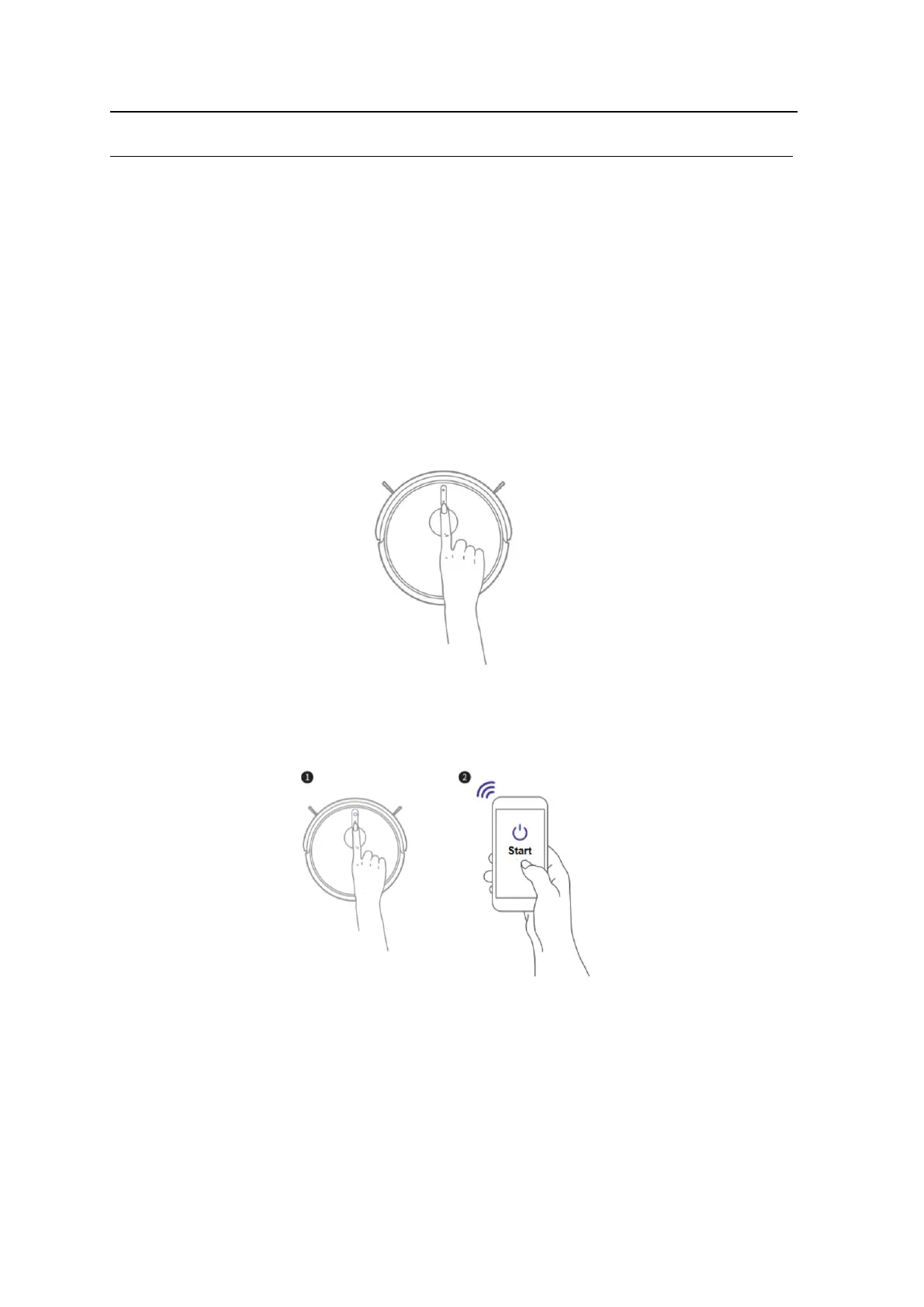
3. Start Cleaning
Press the ON/OFF button on the robot, or press the START button on the APP and the robot will
start cleaning.



 To Next Page