9
Product Operation
4. Stop Cleaning
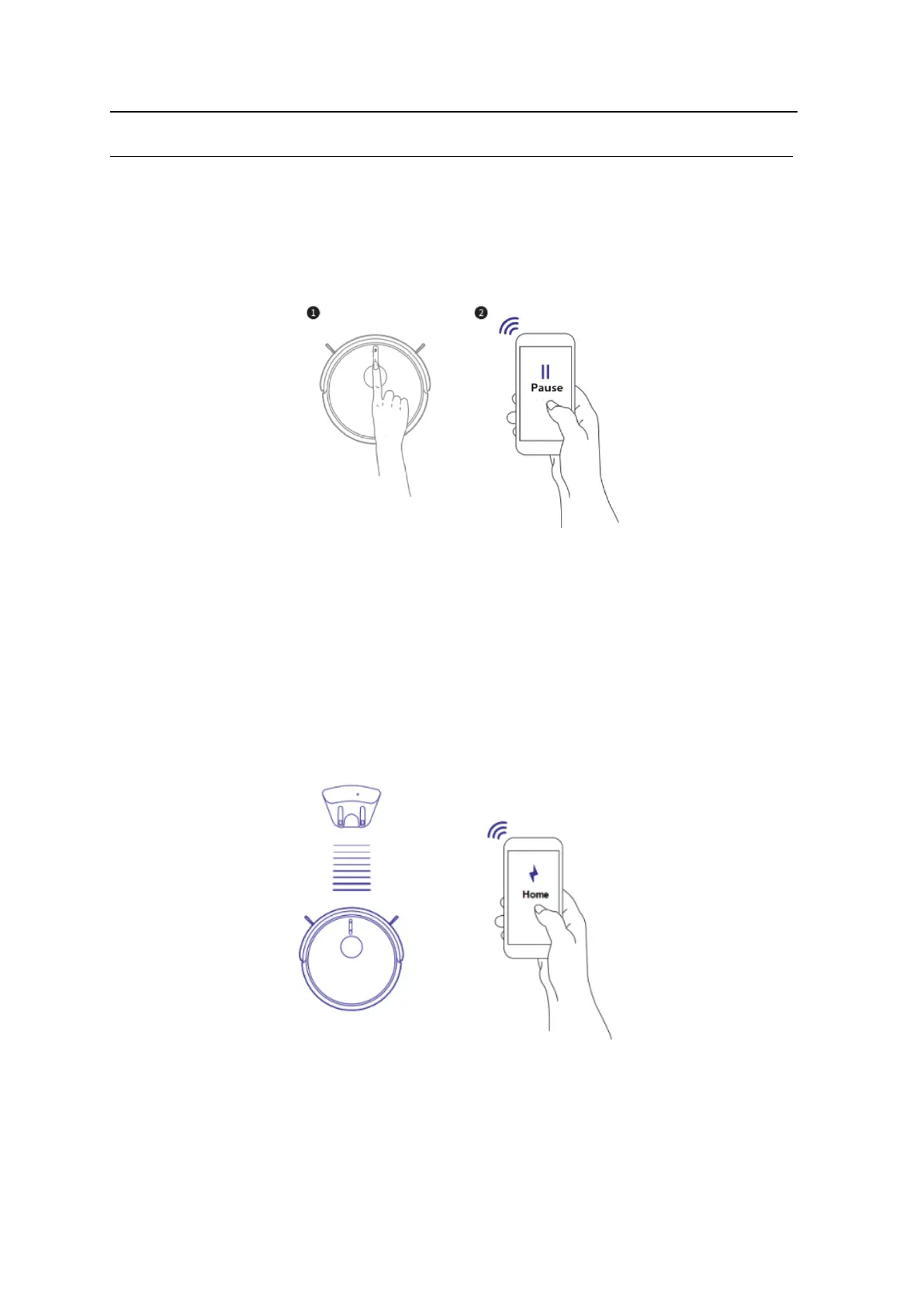
Press the ON/OFF button on the robot, or press the “Pause” button on the APP and the robot
will stop cleaning.
5. Auto-charging
A, When the robot runs out of power, it will look for the charging station automatically. After
automatically charging, robot will continue to clean the remaining area if cleaning was
not completed before re-charging.
B, When robot is in stand by mode, press “Re-charge” button on the APP or remote and the robot will start
looking for its charging station.



 To Next Page