10
Product Operation
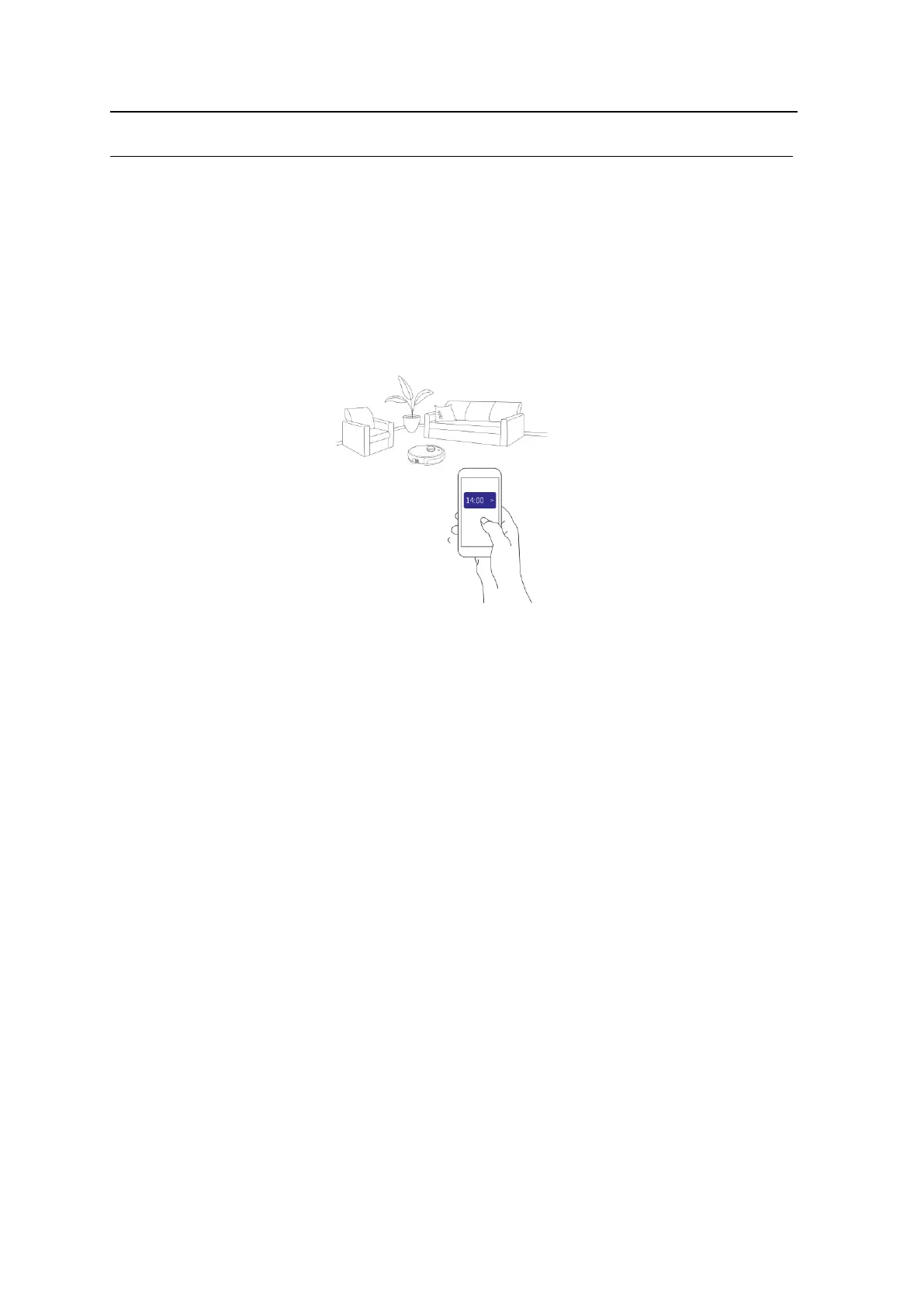
6. Schedule setting operation
In standby or charging status, press “Schedule” button on the APP to set up schedule, and
robot will start cleaning on scheduled time.
Note:
a, When the robot is connect to the APP, the robot system time will sync
hronize with your mobile
phone’s time.
b, Once the cleaning time schedule setting is confirmed, robot will start cleaning automatically
at the scheduled time.
c, If the robot is powered off, its schedule will be canceled. The robot must be kept in standby
on the charging station in order to keep the schedules.



 To Next Page