25
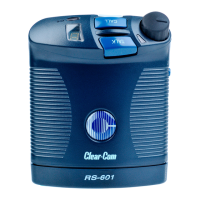
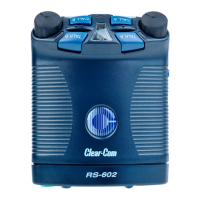
RS-602/622 BELTPACK
CUSTOMIZING YOUR BELTPACK
You can customize an RS-600 series beltpack for quick adaptation to
the needs of any working environment. There are two methods for
customizing your beltpack’s settings:
• Using a beltpack’s onboard controls
• Using the V-Pack programming software
This manual deals specifically with programming a beltpack with the
onboard controls, and only briefly describes V-Pack. The V-Pack
programming software has its own manual, which you can view and
download at www.clearcom.com.
Note: You may also refer to the printed guide on the back of the beltpack
for quick instructions on setting up the beltpack with the onboard controls.
V-PACK SOFTWARE
The V-Pack programmming software gives you access to the full range
of options for customizing your beltpack. For example, you can
program a call signal to appear as a steady or flashing light, a bright or
dim light, or a tone. You can activate and adjust a noise gate. You can
set a minimum headset level. -
A unique V-Pack feature is that you can create one custom setup and
quickly transfer it to several beltpacks with the “beltpack cloning”






 To Next Page