16
ClearFox®Control Unit CU-M
12.1 TRANSFER VIA WI-FI
Please mind that the batteries must be connected.
Please
- connect to the Wi-fi of the Sequetrol® IoT
- open the webpage http://192.168.117.1/
- login as serviceman
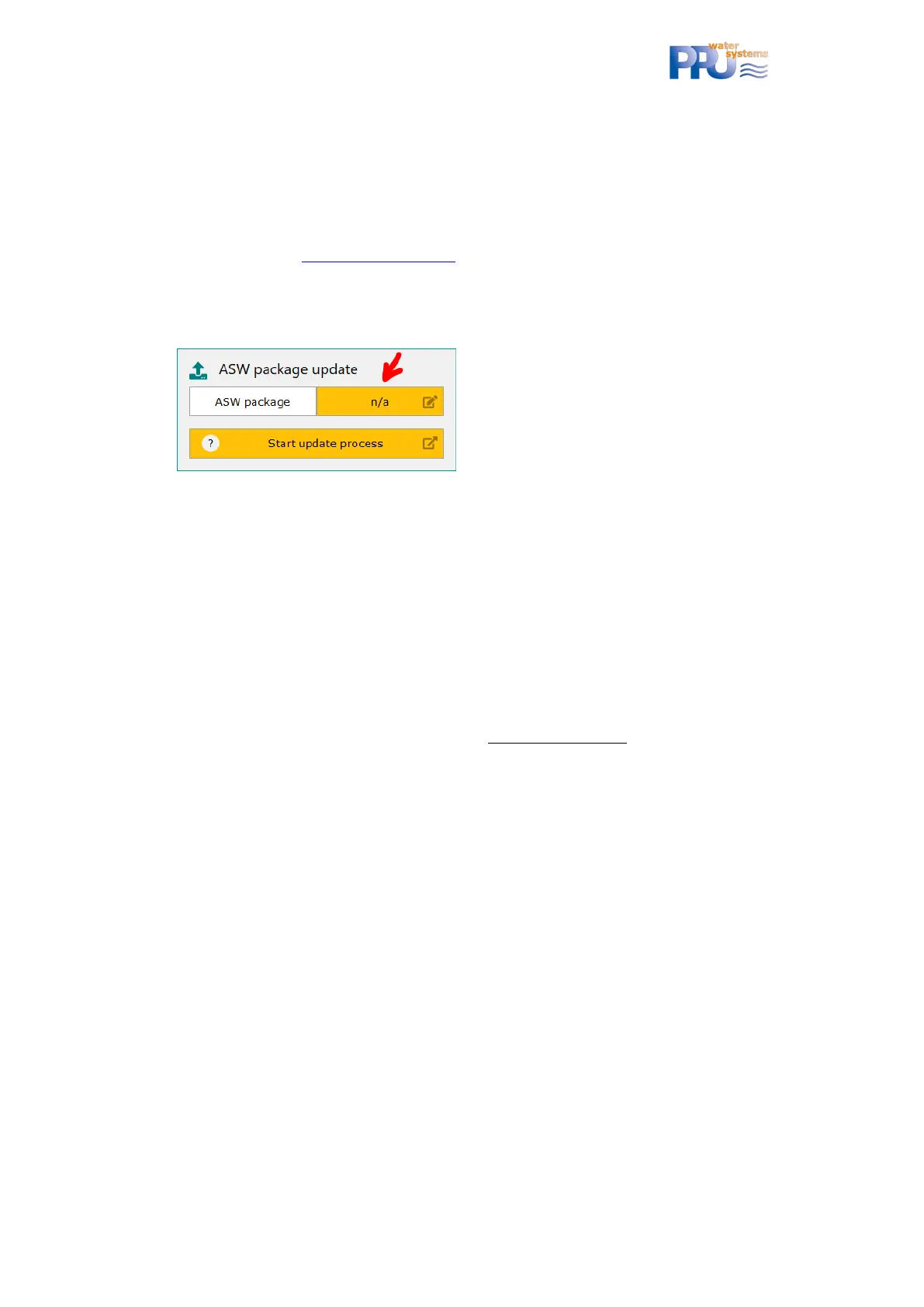
- go to FW & ASW Update
- select the *.pkg (Pack) file that you have received from PPU here:
- click on Start update process
- done!
12.2 TRANSFER VIA USB
Please mind that the batteries must be connected.
Please record the *.pkg (Pack) file into the root folder of a common USB stick formatted with
FAT16 or FAT32 (NOT NTFS).
a. Shut-off the control unit (see chapter 0)
b. insert the USB stick
c. connect the control unit to mains and to have the batteries connected.
d. Follow the instructions on the LCD
Some (cheap) USB sticks might not be recognized. In that case please use a brand stick.


 To Previous Page