Versa™ Pro CT
9
QSG-0081-002v1.0 January 2021
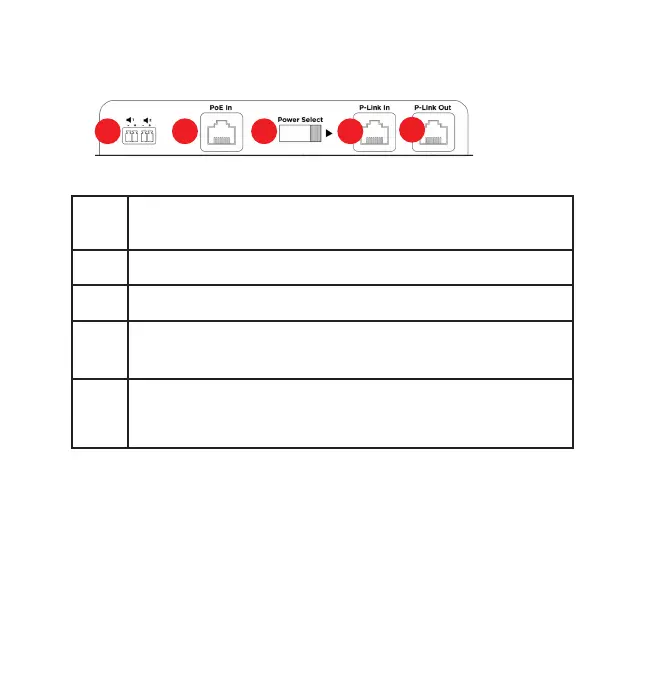
Figure 3. BMA-CTH Back Panel
e
Speakers Out. Two Phoenix Euroblock connectors for external 8
ohm speakers
f PoE In: RJ45 connector.
g Power Select sliding switch. Set this to the left for PoE In.
h
P-Link In: RJ45 connector. Provides power and control to peripheral
devices
i
P-Link Out: RJ45 connector.
Connects to another P-Link device that requires power, such as a
Bluetooth Wall Panel.
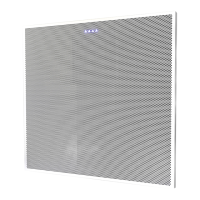
BMA CTH
Component Connections
Use the included CAT6 cables to make connections as follows:
1. Huddle CTH Expander port (a) to BMA CTH P-Link In (h)
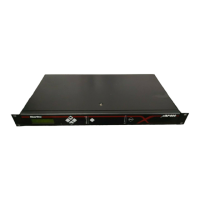
2. Huddle CTH Ethernet/PoE port (b) to PoE injector port (c)








 To Next Page