20 Technical Support: 800-283-5936
CONNECTING THE CHAT 150 TO A PC
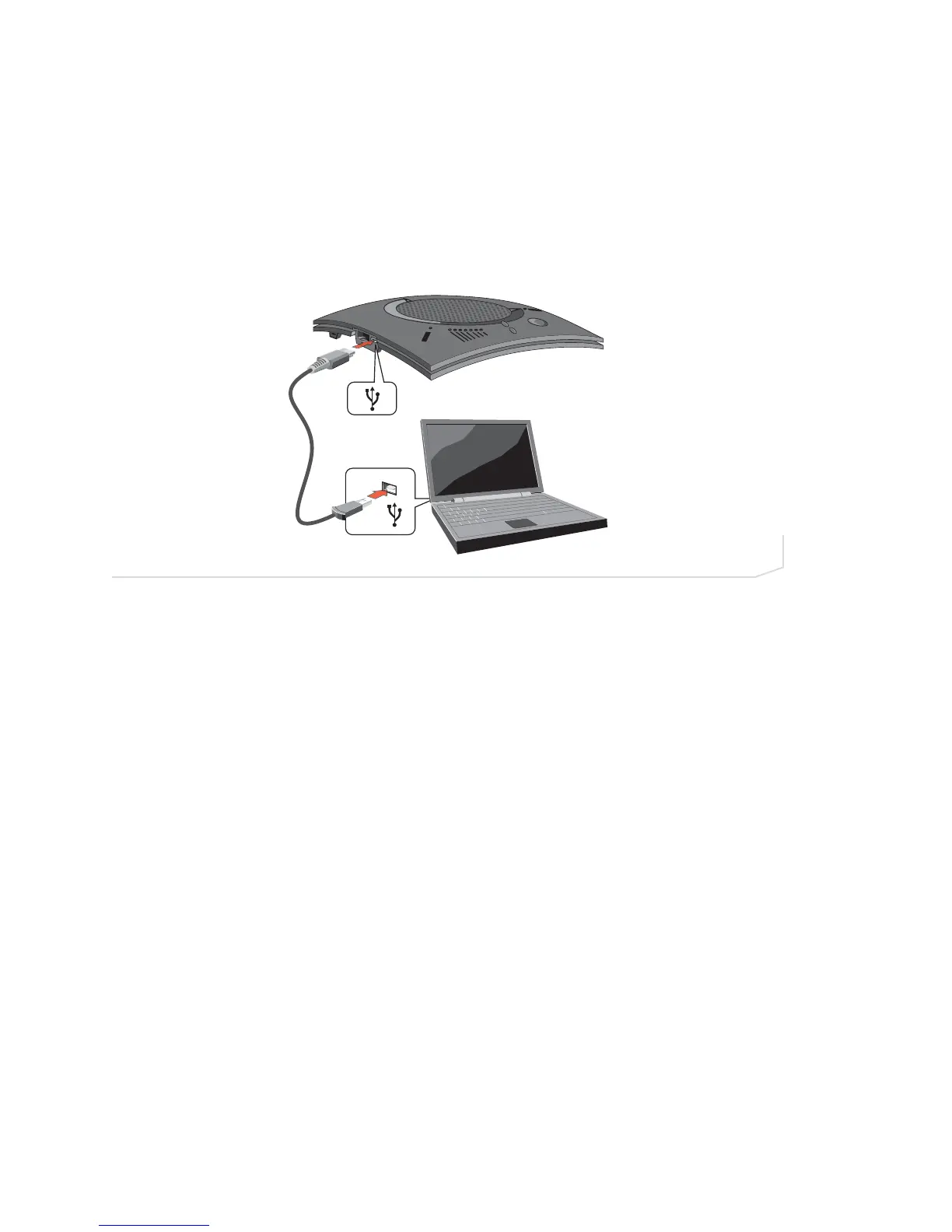
Perform the following steps to connect your Chat 150 to a PC:
1. Using the included USB 2.0 cable, connect the Chat 150 to your PC or USB device (Figure 2.23). The
blue LED indicators on the Chat 150 illuminate, indicating that the Chat 150 is powered and ready for use.
FIGURE 2.23 Connecting Chat 150 to a PC





 To Next Page