4 Technical Support: 800-283-5936
CHAT 150 CONFIGURATIONS
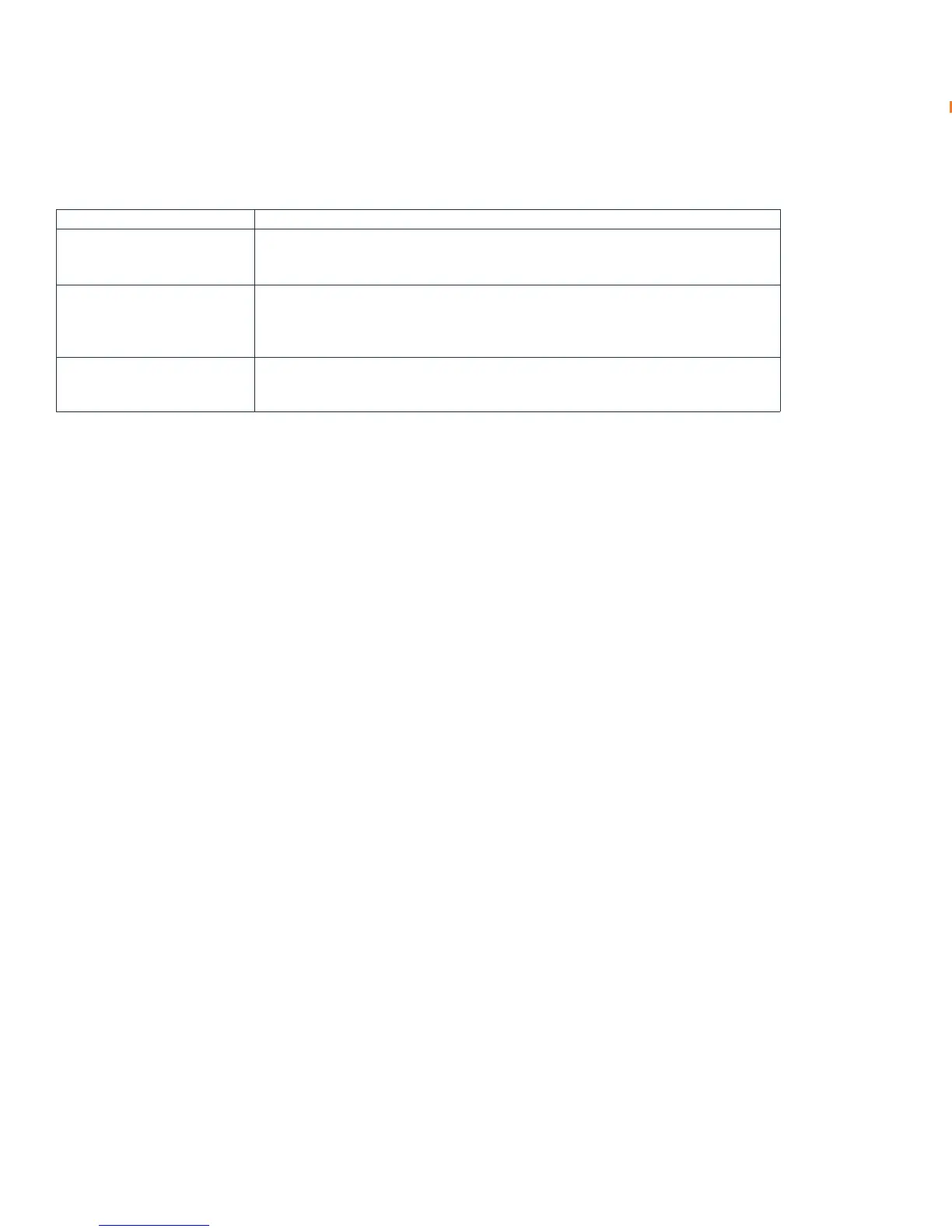
The Chat 150 comes in several configurations, as shown below. The Chat 150 group speaker phone itself is the same in
all configurations; different accessories have been packaged with the unit to enable a variety of connections. All Chat
150 units have a mini-USB port, so every configuration can connect to a PC.
Configuration Usage Profile
Chat 150 for Avaya & Cisco
Telephone Handsets)
Connects to the headset jack of the Avaya or Cisco handset for full-duplex speaker phone
capability.
Chat 150 USB
Connects to the USB port of a PC (or laptop) for use with softphones, internet telephony
applications, web conferencing, instant messaging with audio, etc.
Chat 150 VC Connects to any video conferencing system for full-duplex speaker phone capability.





 To Next Page