Chapter 2: Getting Started 5
INSTALLING THE CHAT 150 SOFTWARE FOR WINDOWS
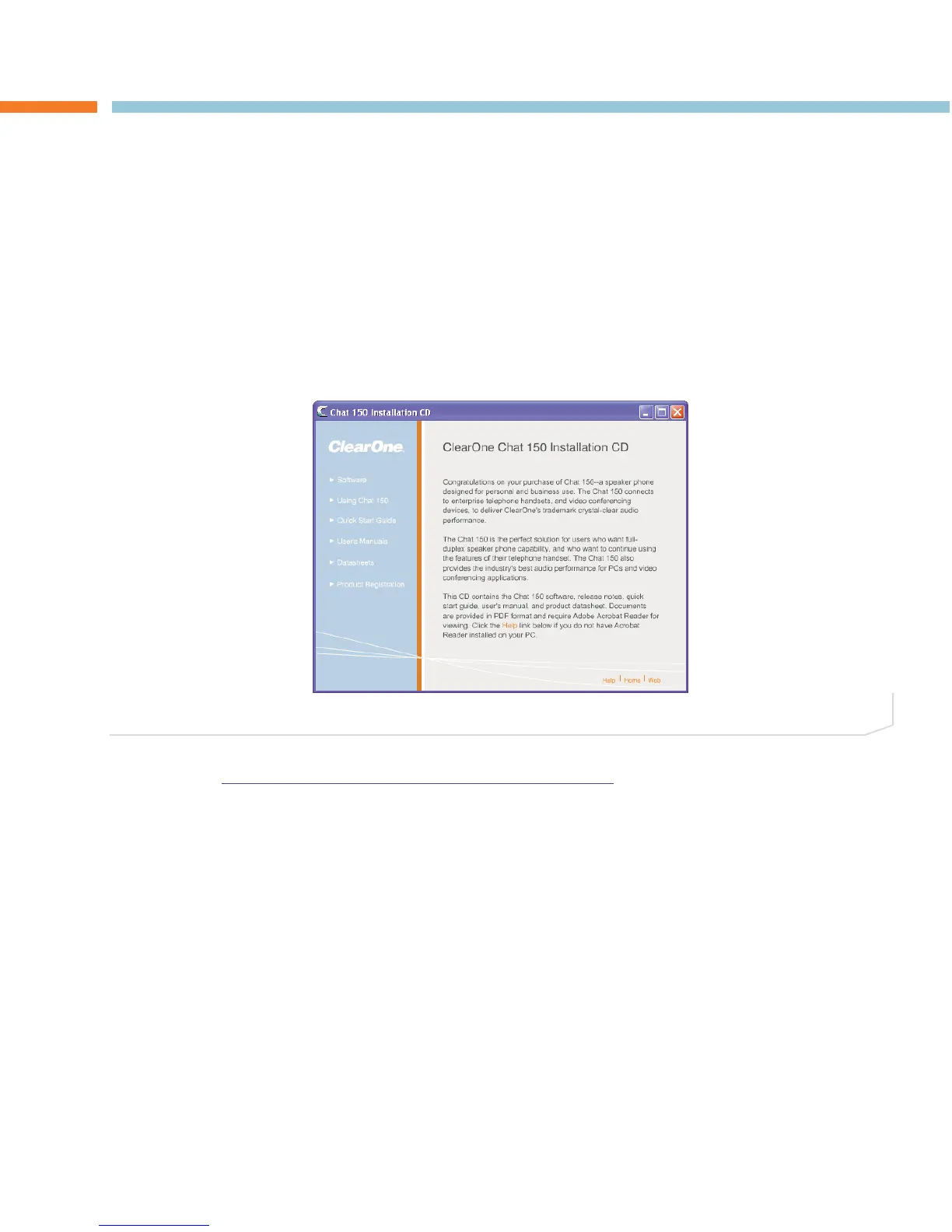
1. Insert the Chat 150 CD into your computer’s CD/DVD drive. Your system should auto-run the installation
software and display the initial menu screen (Figure 2.1).
> Note: If you do not have the CD, you can download the latest version of the software at:
http://www.clearone.com/support/downloads.php?content=main. Select your device from the “BY -
PRODUCT” window and click SEARCH and the screen will display only those downloads available for
your specific device. Select the latest version of the Chat 50/150 Software and the system will display
a confirmation window for the software to be downloaded to your computer. Unzip the folder and run
Setup.exe to begin the installation process.
CHAPTER 2: GETTING STARTED
FIGURE 2.1 Chat 150 Installation Wizard Welcome Screen
> Note: The following instructions show Windows XP screenshots. However, the installation procedure
is the same for Windows XP and all versions of Windows Vista.




 To Next Page