22 Technical Support: 800-283-5936
MY DEVICES
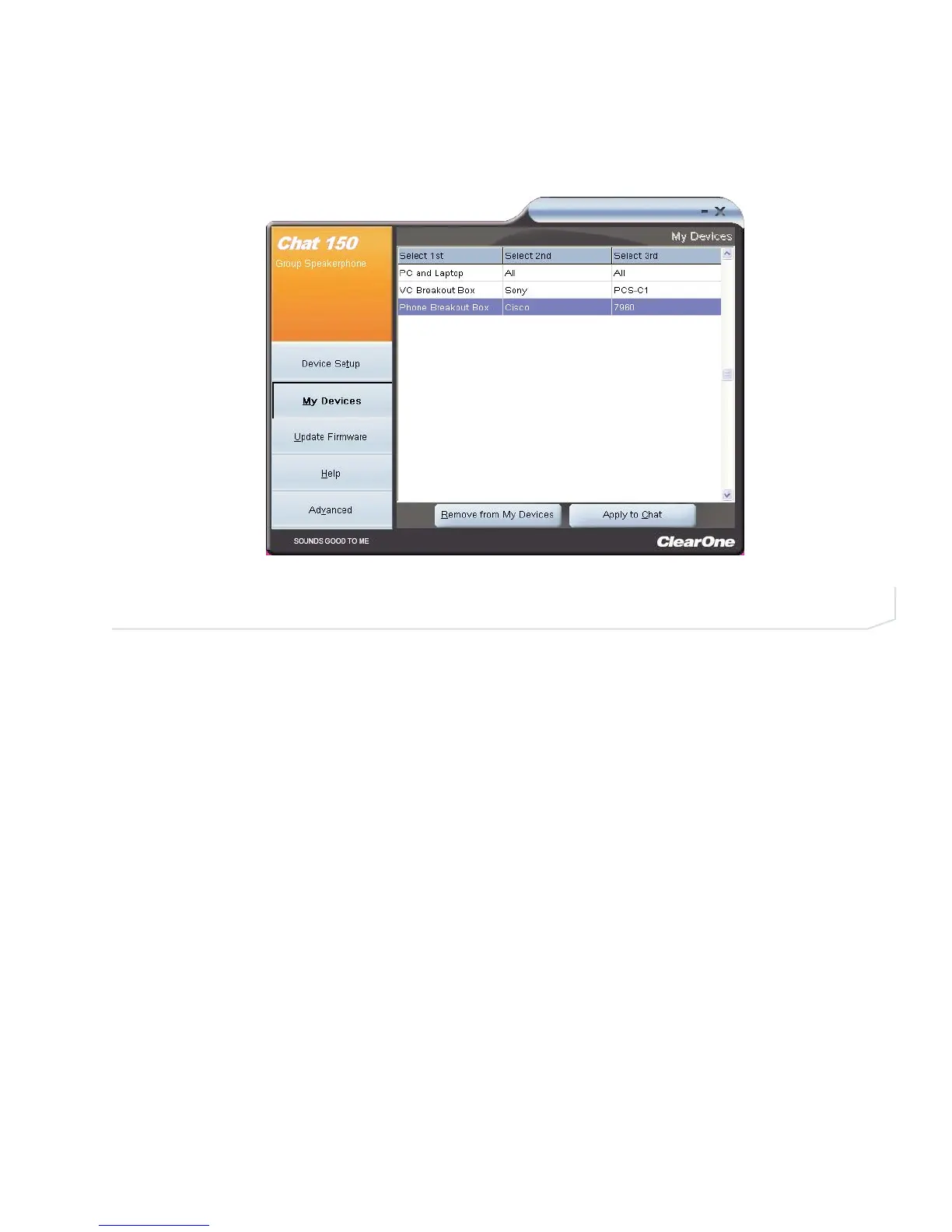
The My Devices screen displays the devices you have configured for the Chat 150 (Figure 3.2) .
Applying Audio Settings to the Chat 150
Select the device you wish to use with the Chat 150, then click the Apply to Chat button to apply the custom
audio settings.
Removing Devices from My Devices
To remove a device from the My Devices list, select the device you wish to remove and then click the Remove
from My Devices button, then click Yes in the Delete Confirm dialog that appears.
FIGURE 3.2 My Devices Screen





 To Next Page