24 Technical Support: 800-283-5936
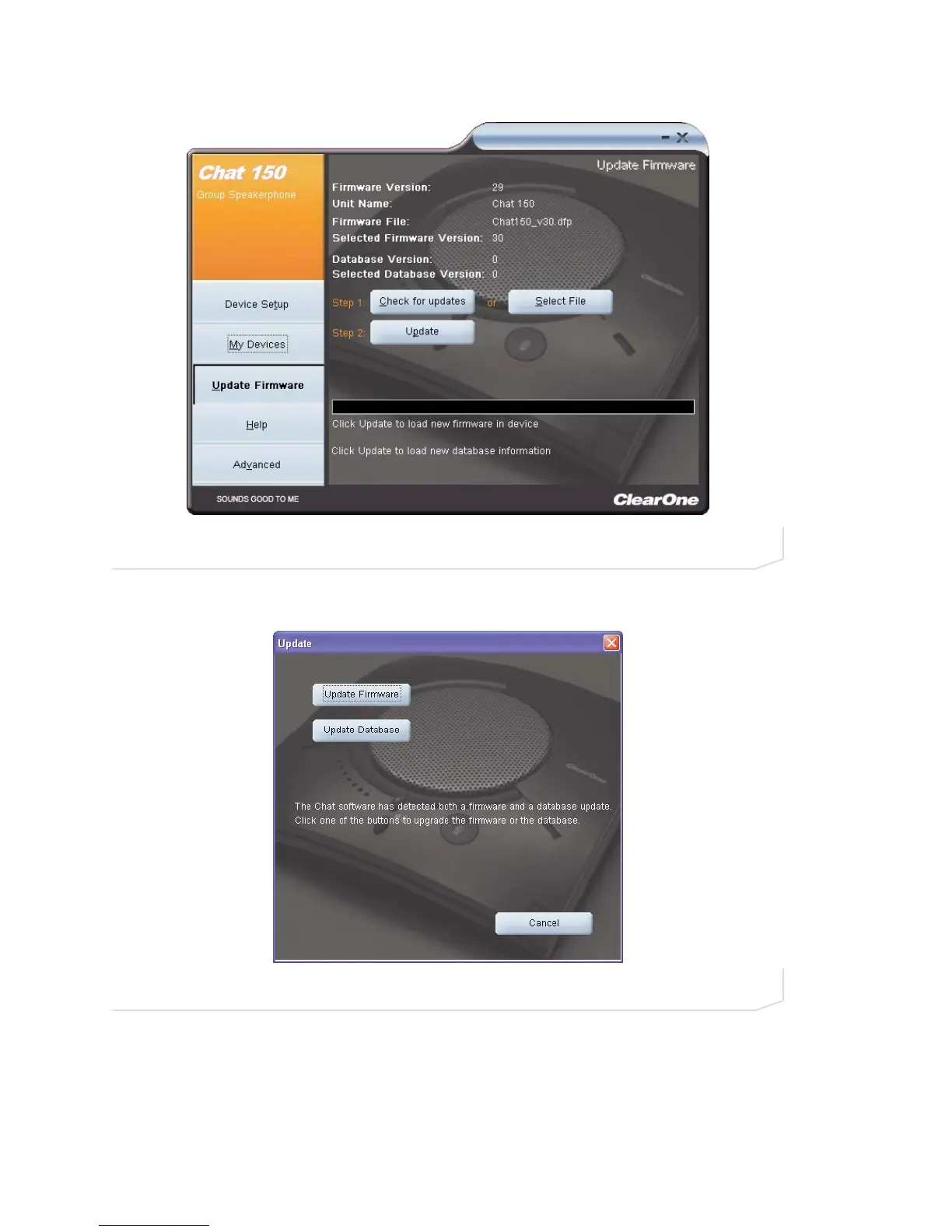
3. Click the Update button to install available updates. The Update dialog box appears (Figure 3.5).
4. Click Update Firmware to update firmware only.
5. Click Update Database to update the device database only.
6. Click Cancel to cancel the update procedure and return to the Update Firmware screen.
7. When you click either of the update buttons, a warning dialog appears (Figure 3.6).
FIGURE 3.4 Update Screen: Ready to Update
FIGURE 3.5 Update Dialog Box





 To Next Page