30 Technical Support: 800-283-5936
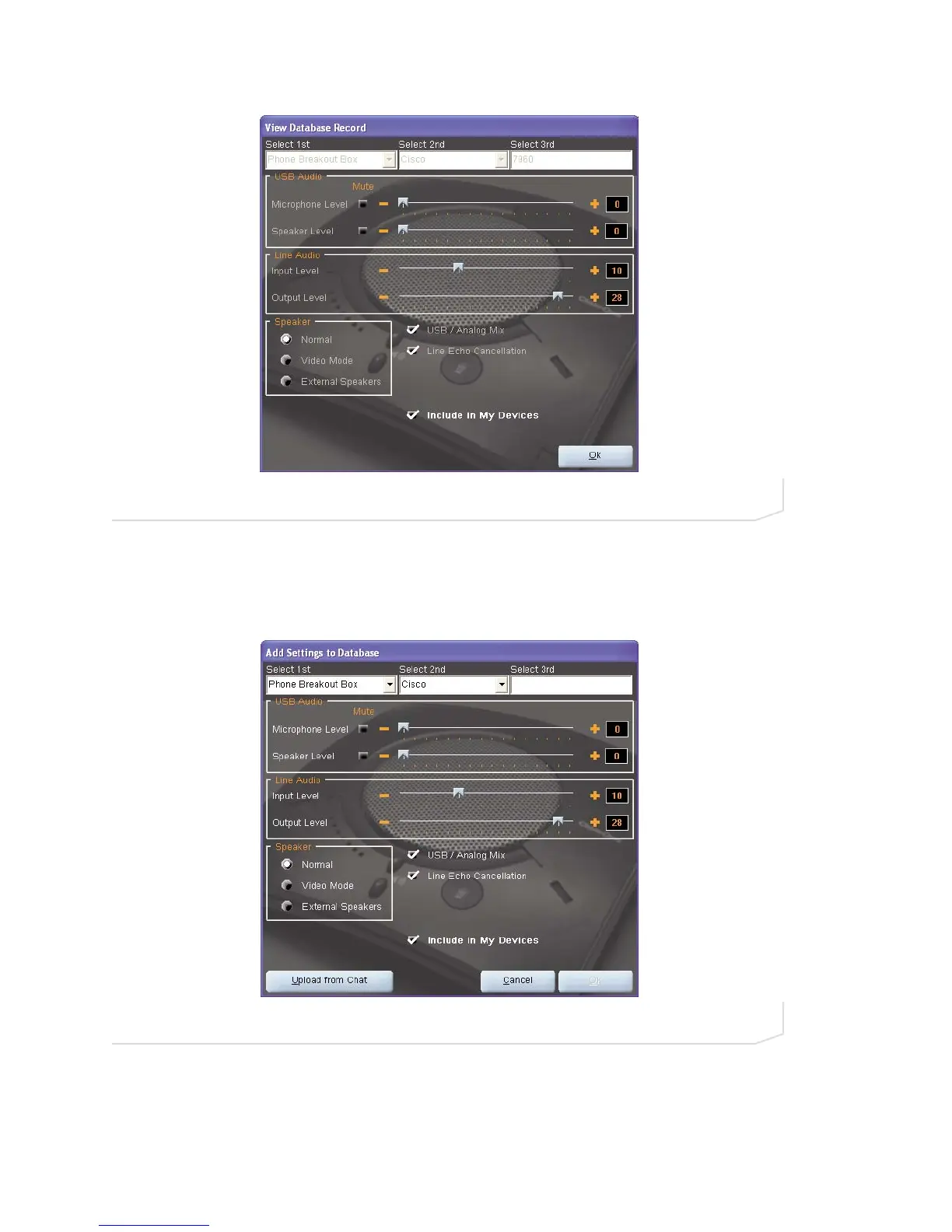
Click Ok to close the View Database Record dialog.
To save custom audio settings for a device, perform the following procedure:
1. Click the New button. The Add Settings to Database dialog appears with the settings of the device you
had selected in the database view (Figure 3.14).
2. Adjust the audio settings or click Upload from Chat to upload and display the Chat 150’s current settings.
3. Click the Select 1st drop-down box and select the desired device type. Or, you can type a custom name, if
necessary.
4. Click the Select 2nd drop-down box and select the desired manufacturer (or enter your own).
FIGURE 3.14 Add Settings to Database Dialog
FIGURE 3.13 View Database Record Dialog





 To Next Page