Chapter 3: Using Chat 50 Configuration Software 11
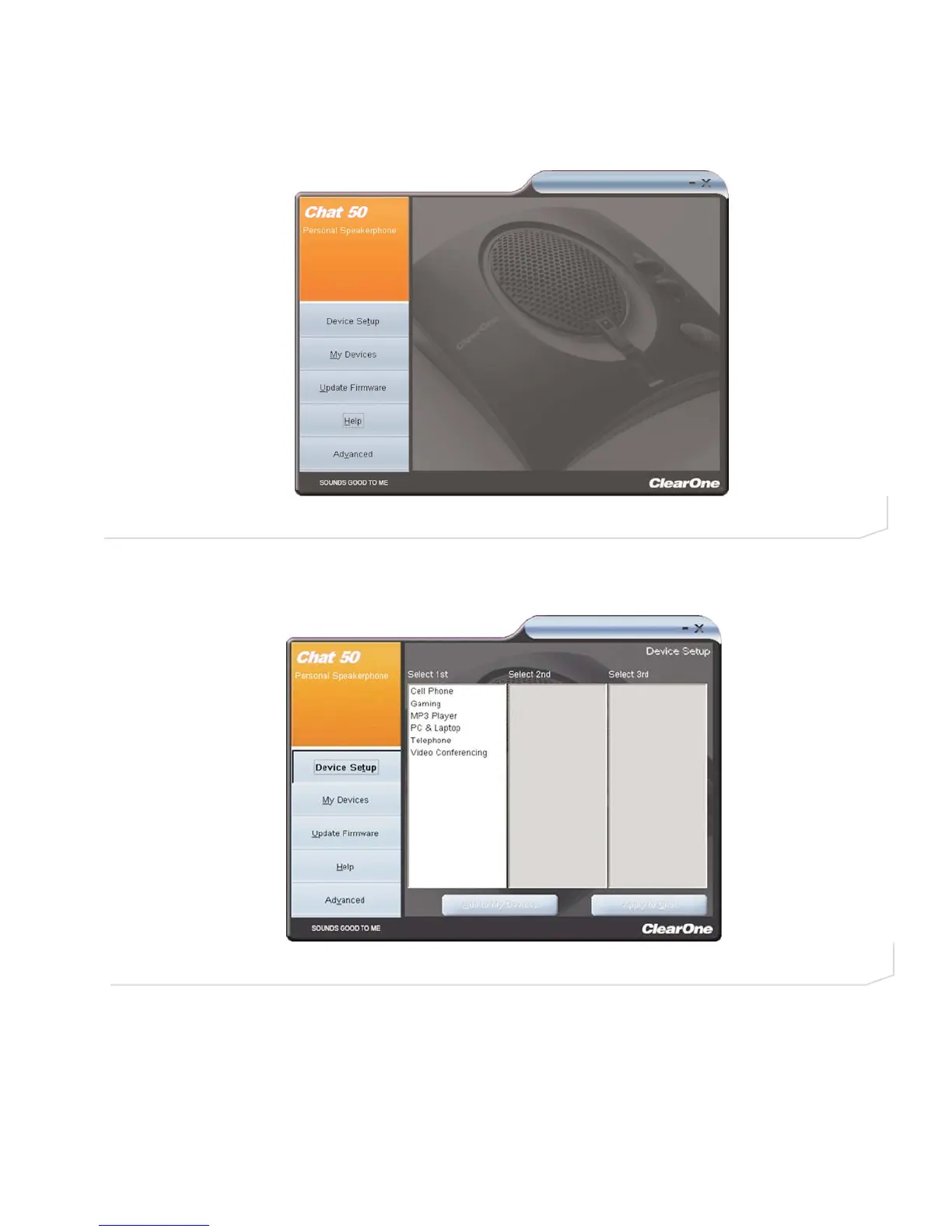
5. Click the Device Setup button in order to select and configure pre-defined audio settings for the devices
you will use with your Chat 50 (Figure 2.13).
6. The Device Setup screen appears (Figure 2.14) with a list of devices displayed in the Select 1st column.
This column displays the general types of devices that you can configure for use with the Chat 50.
7. Select the appropriate device from the Select 1st list. The Chat software populates the Select 2nd column
with available devices based on your selection (Figure 2.15).
FIGURE 2.13 Chat 50 Main Screen
FIGURE 2.14 Chat 50 Device Setup: Select 1st column



 To Next Page