Chapter 3: Using Chat 50 Configuration Software 25
Advanced Settings: Database
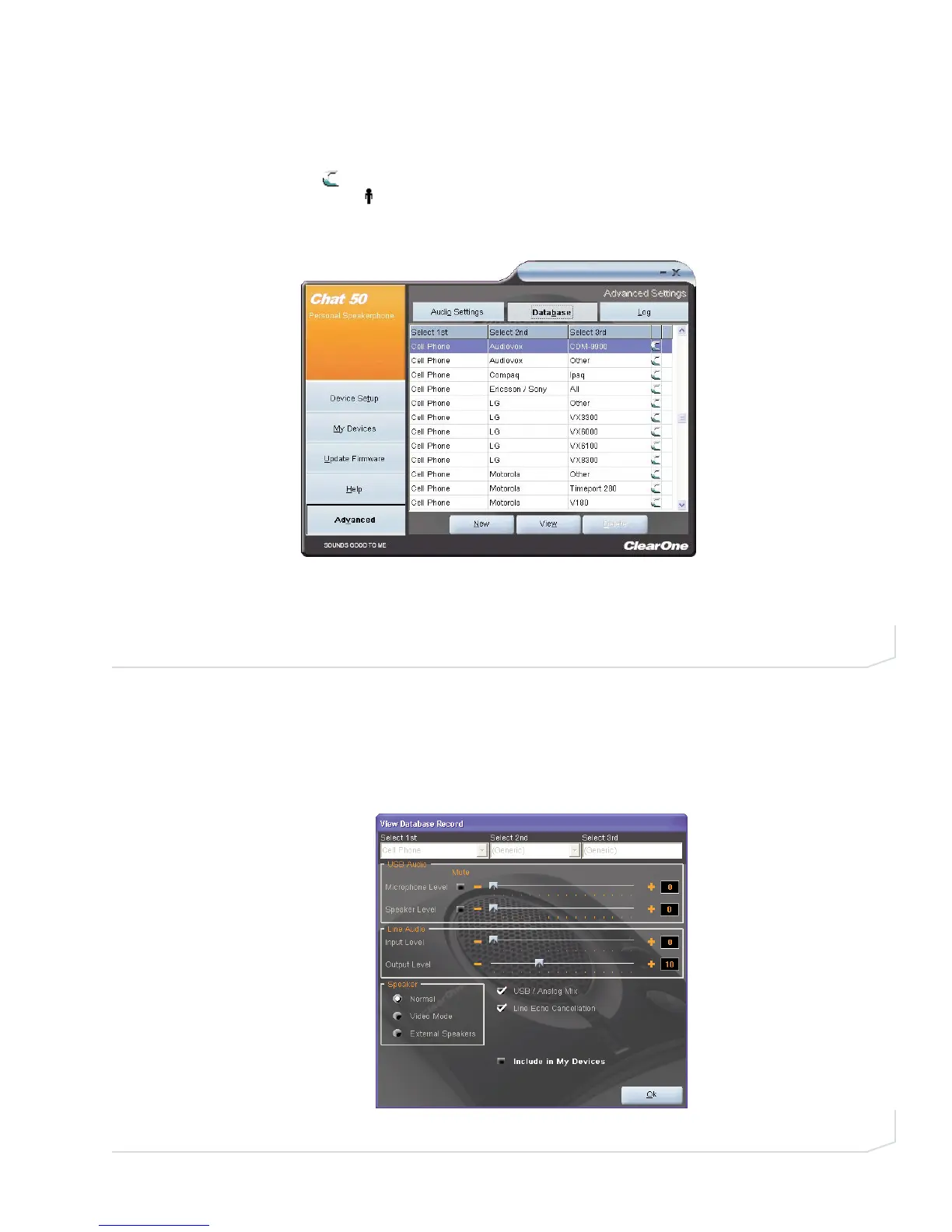
The Database screen allows you to view devices, create devices, and edit devices in the Device Database.
(Figure 3.12). The database includes pre-defined devices with optimal audio settings pre-programmed by
ClearOne (identified by a next to the devices); and custom devices you create using this screen or the My
Devices screen (indicated by a next to the devices).
View Device Audio Settings
To view settings for a device, select the device’s row in the Database screen and click View. The View
Database Record dialog appears (Figure 3.13). To view the current settings on the Chat 50, click Upload from
Chat. Use the sliders, radio buttons, and check boxes to change the audio settings (if needed), then click Ok
to save the changes.
FIGURE 3.12 Advanced Settings: Database
FIGURE 3.13 View Database Record dialog



 To Next Page