Chapter 3: Using Chat 50 Configuration Software 15
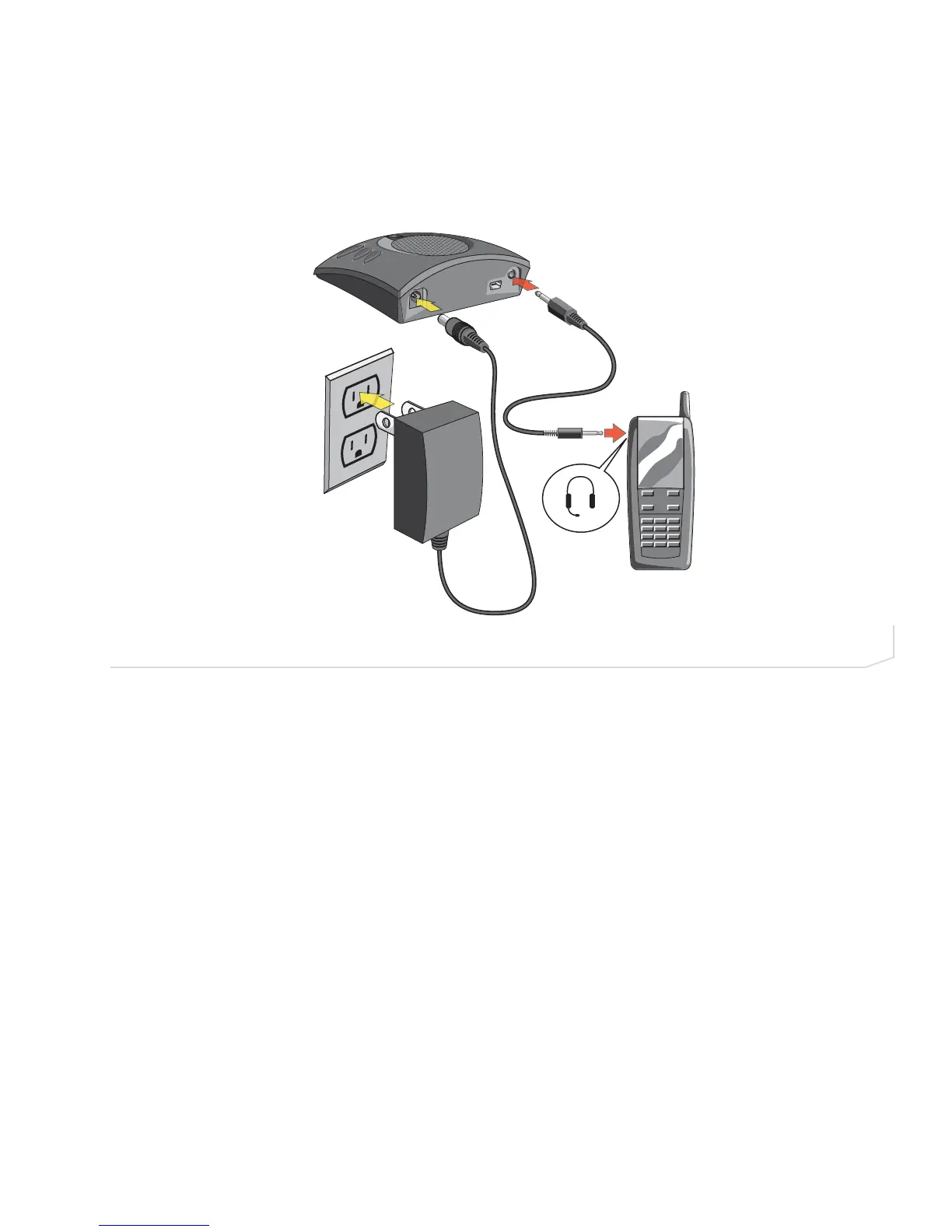
Connecting Chat 50 to a Cell Phone
1. Using the included power supply (Chat USB Plus, International, and Global Traveller models only), connect
the Chat 50 to a power outlet (Figure 2.18).
2. Using the included 2.5mm to 3.5mm cell phone connector cable, connect the Chat 50’s line audio jack to
the headset jack of the cell phone.



 To Next Page