16 Technical Support: 800-283-5936 Chapter 2: Geting Started 16
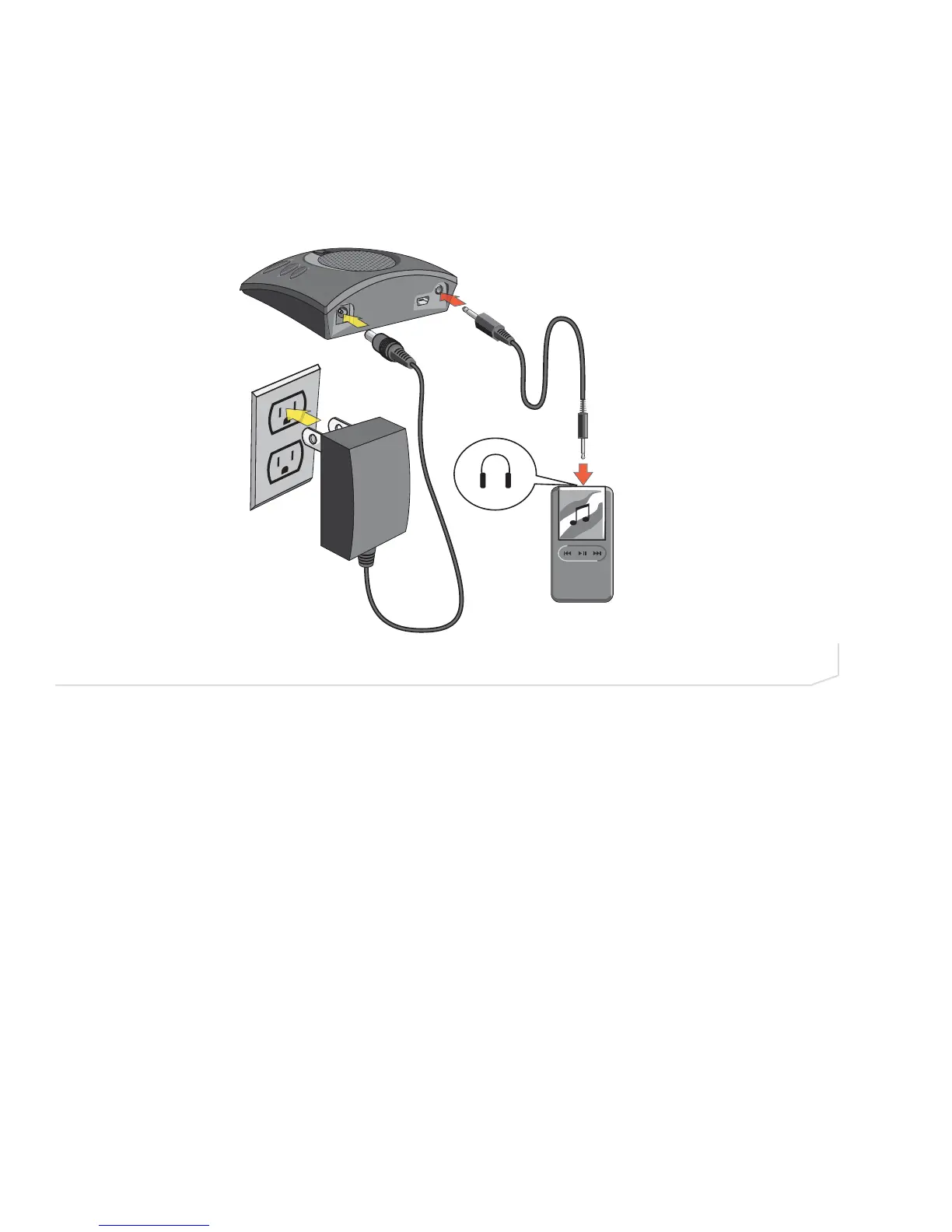
Connecting Chat 50 to an MP3 Player
1. Using the included power supply (Chat USB Plus, International, and Global Traveller models only), connect
the Chat 50 to a power outlet (Figure 2.19).
2. Using a ClearOne MP3 accessory cable (available separately, P/N 830-159-005), connect the Chat 50’s
line audio jack to your MP3 player’s headset jack as shown in Figure 2.19. Contact your dealer to order
cables and other accessories.



 To Next Page