Chapter 3: Using Chat 50 Configuration Software 23
HELP
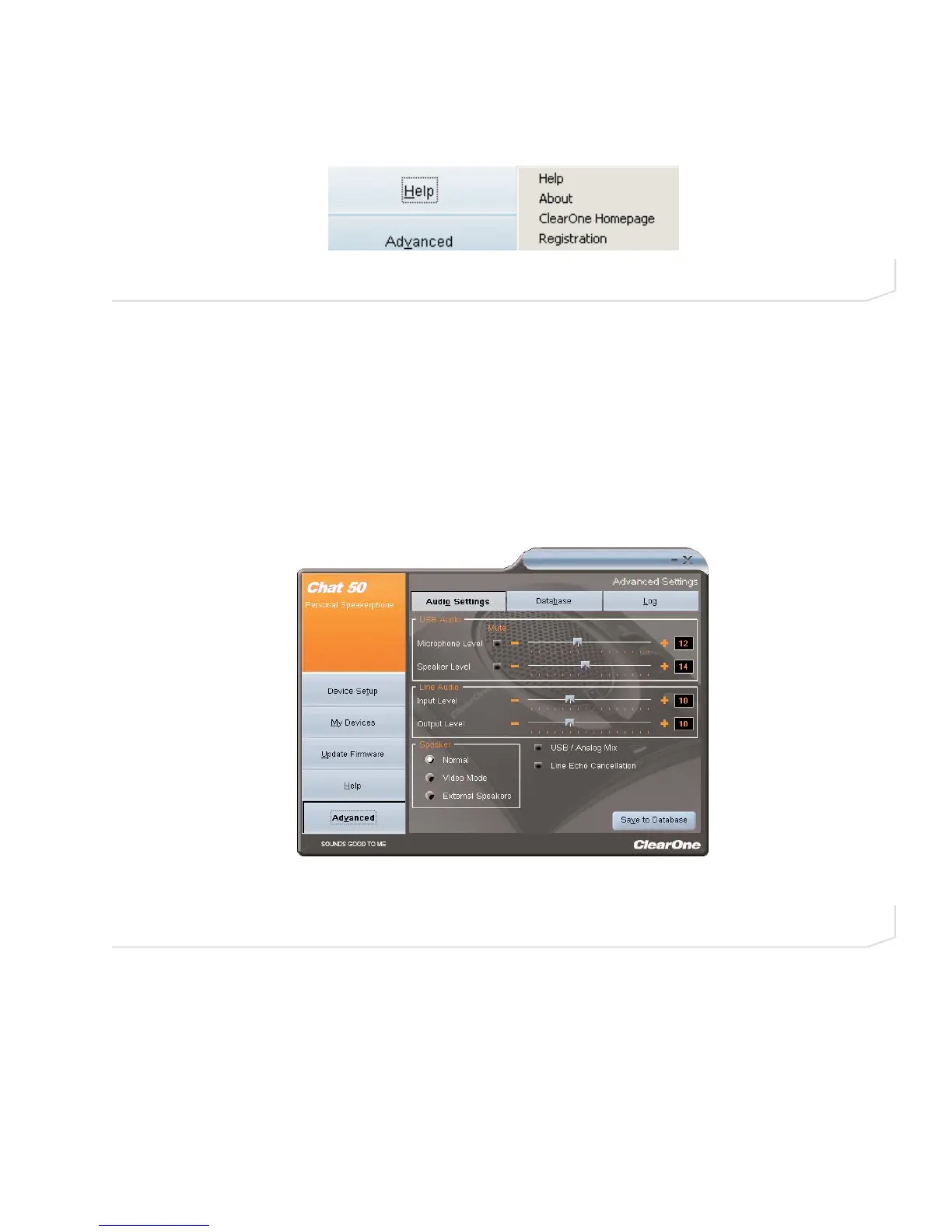
The Help button (see Figure 3.9) provides the following options:
• Click Help to activate the online help file.
• Click About to get information about your Chat 50.
• Click ClearOne Homepage to visit the ClearOne website using your default web browser.
• Click Registration to register your Chat 50 with ClearOne using your default web browser.
ADVANCED SETTINGS
Click the Advanced button to display the Advanced Settings screen (see Figure 3.10).
The Advanced screen displays the current audio settings for your Chat 50. From the Advanced screen, you can
adjust audio settings for your Chat 50, view and edit the Chat 50 database, and view the Chat 50 log file.
FIGURE 3.9 Help button
FIGURE 3.10 Advanced Settings screen



 To Next Page