10 Technical Support: 800-283-5936 Chapter 2: Geting Started 10
CONNECTING AND CONFIGURING YOUR CHAT 50 (USB-WINDOWS)
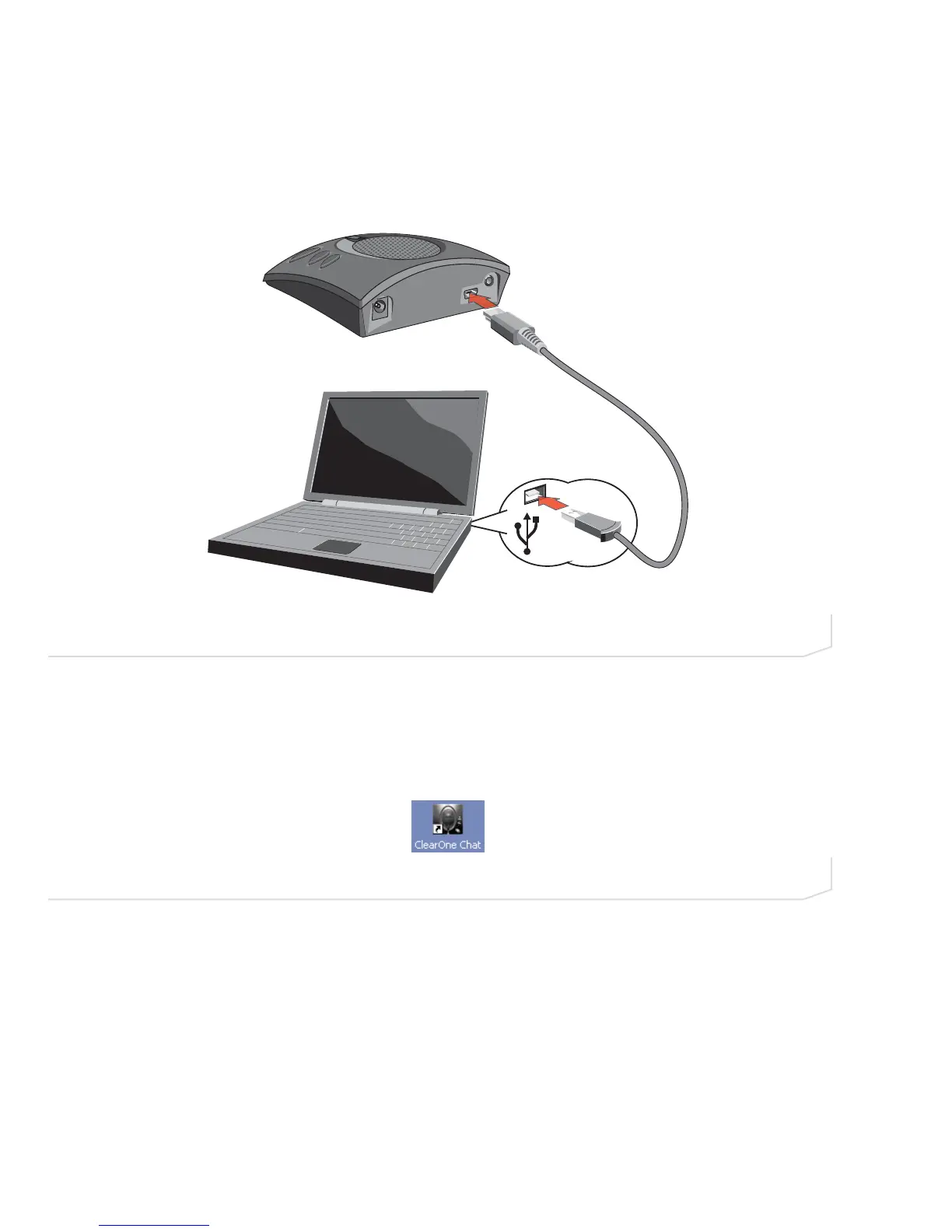
1. Use the included USB cable to connect the Chat 50 to a USB port on your computer (Figure 2.11).
2. The status LED on the front of the Chat 50 turns blue, then red, then blue again to indicate that Windows
recognizes the Chat 50. The Windows New Hardware Found dialog appears and Windows installs the
USB 2.0 device drivers for Chat on your system. When the installation is complete, click Close.
3. Start the Chat application by double-clicking the ClearOne Chat icon on your desktop (Figure 2.12).
4. The Chat application appears (Figure 2.13).
FIGURE 2.11 Connecting Chat 50 to a PC
FIGURE 2.12 ClearOne Chat desktop icon



 To Next Page