Advanced Configuration ~ Macros
66
Technical Services Group ~ 1-800-283-5936 (USA) ~ 1-801-974-3760
Running macros
Macros can be run from G-Ware or the front panel controls on the XAP 800. You
can also run a macro using external control devices (see Chapter 6: Control for more
information).
To run a macro using G-Ware
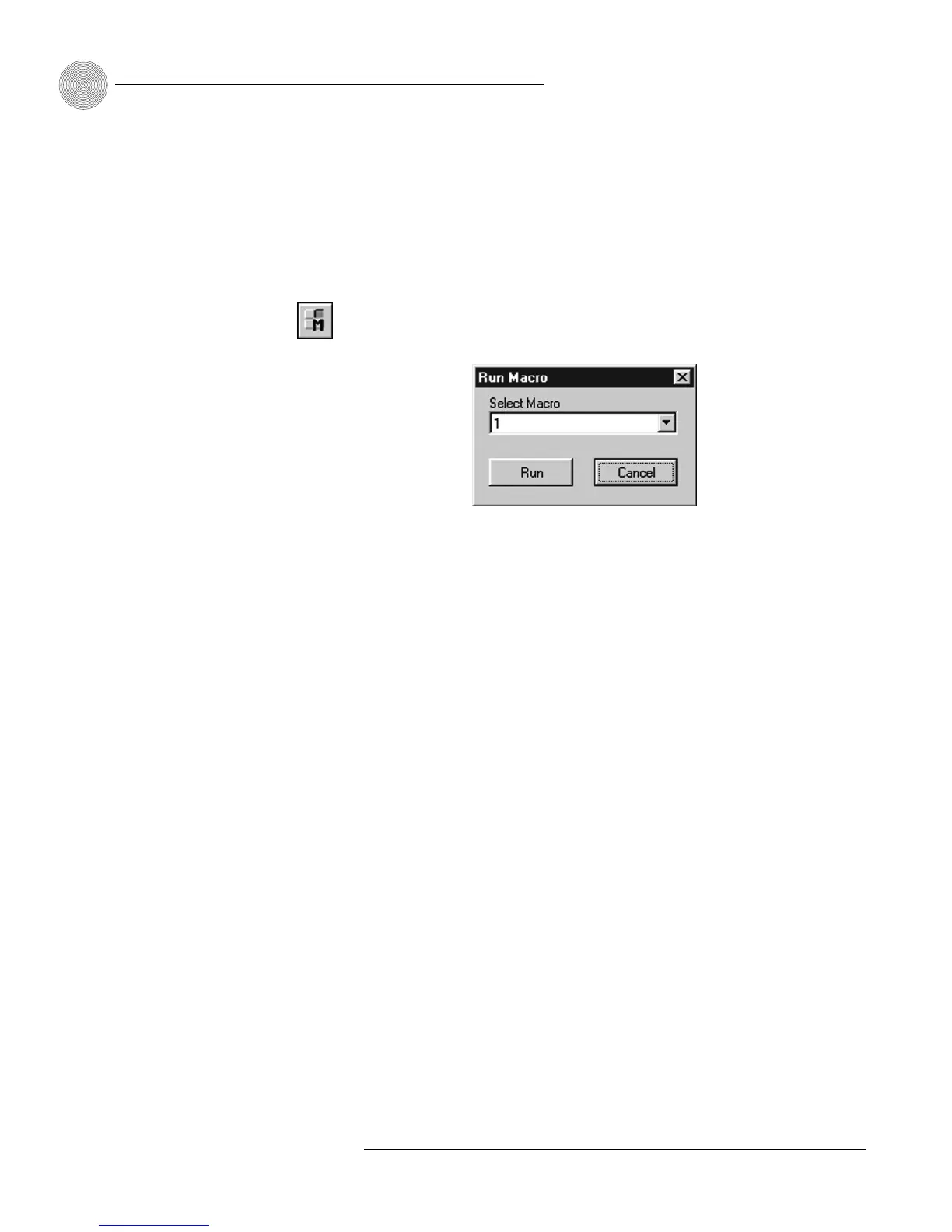
1. Select the Run Macro button on the G-Ware toolbar.
2. Select the macro from the Select Macro list.
3. Click Run to run the macro and close the window.
To run a macro using front panel control
1. From the System Menu, scroll to
Select Macro
and press
Enter
.
2. Scroll to the number of the macro you want to run and press
Enter
.
To run a macro using the Select panel or GPIO
• Use the macro command. See Chapter 6: Control for more details.
Figure 4.18. Run Macro window
Figure 4.17. Run Macro
toolbar button








 To Next Page