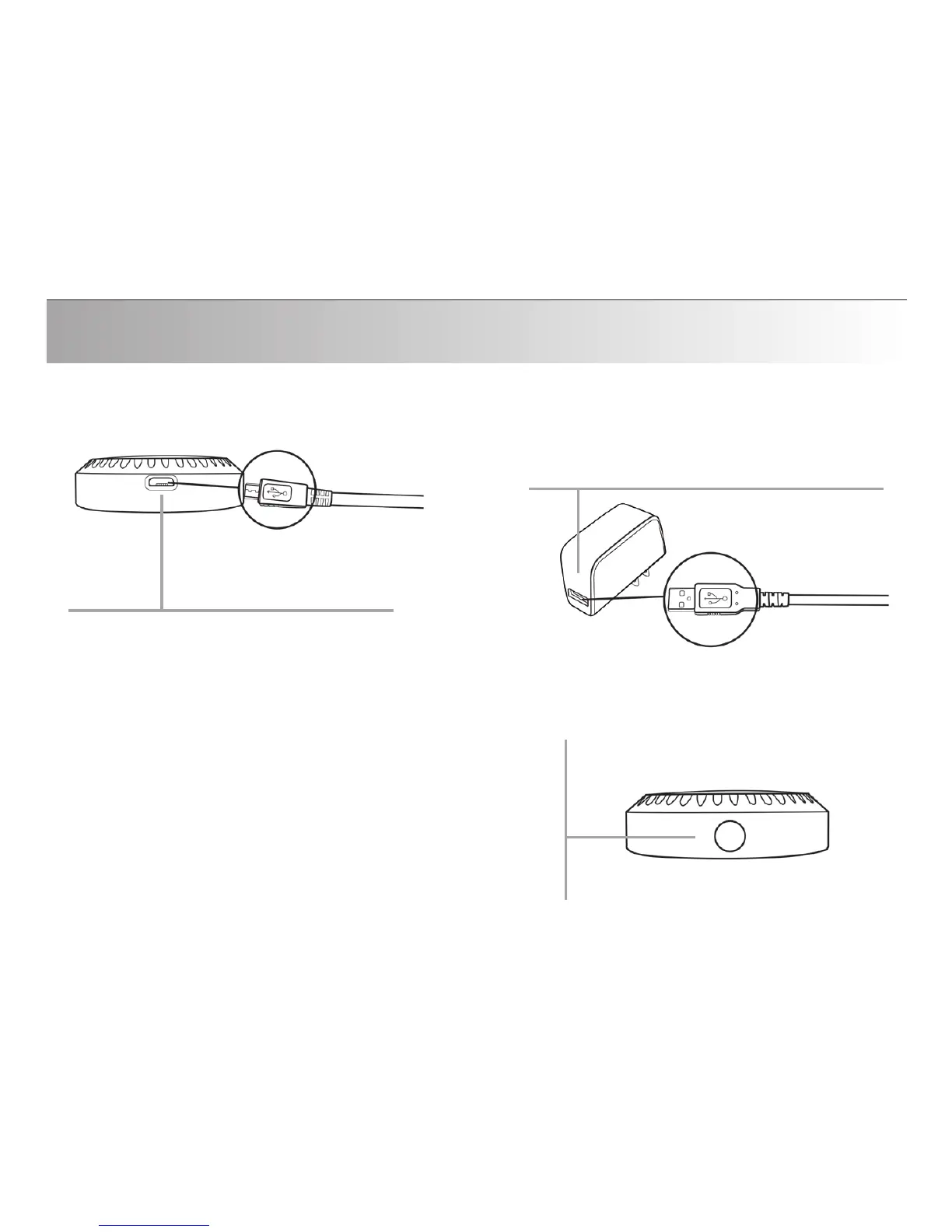
AC power adapter: This is where you
plug the standard end of the USB
charging cable into the AC power
adapter.
S
ilver Button: “MFB” Multi-Function Button:
This button is used to turn the QConnect on
and off, pair the QConnect to your Bluetooth
stereo receiver (e.g. headset) and connect the
QConnect to a paired receiver.
Charging port: This is where you
plug the micro end of the USB
charging cable into the QConnect
Getting Familiar
10


 To Next Page