SLEEPVIEW USER MANUAL
14
Upload Status
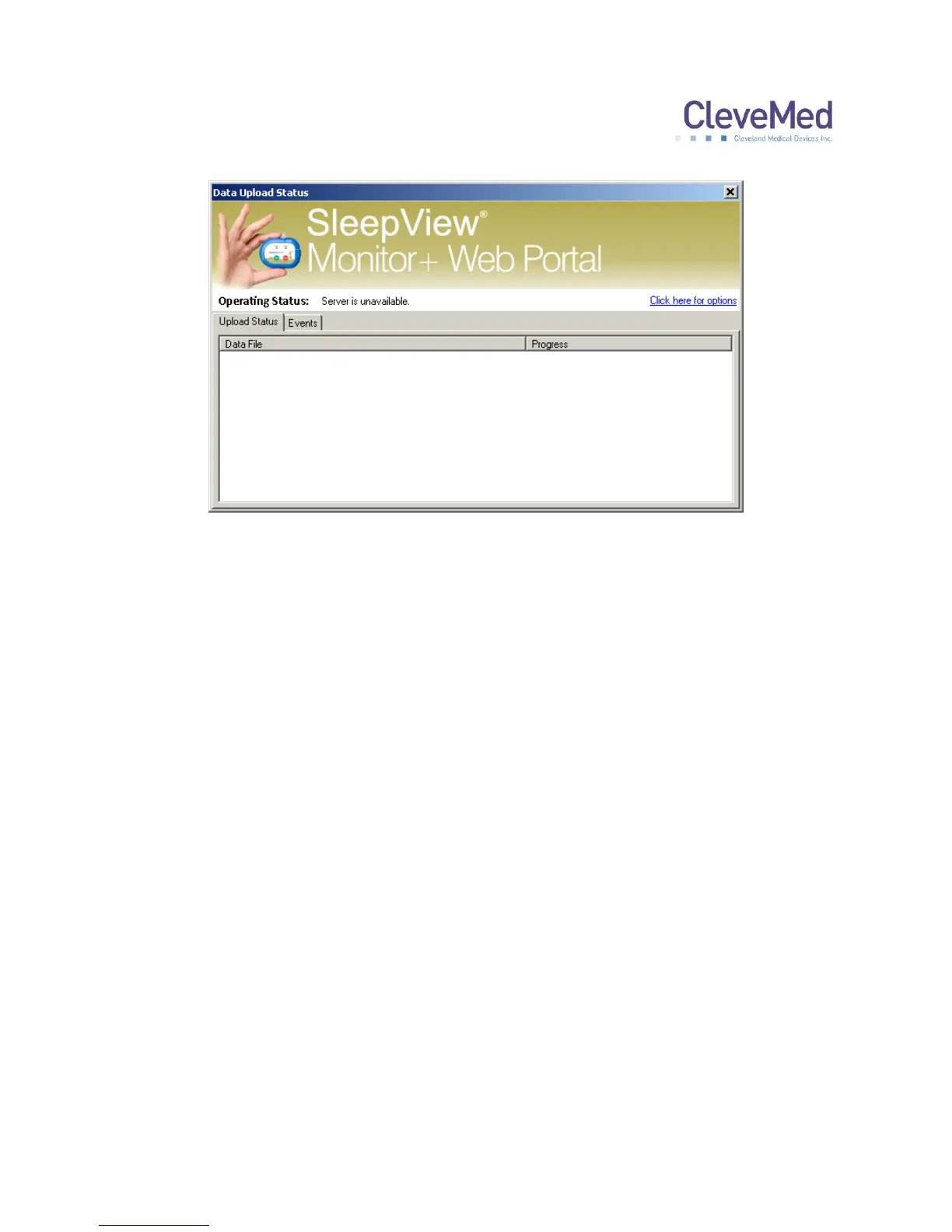
The software is configured to monitor a specific directory for files. When files become
available it immediately queues them for upload to the server. The software employs
multiple threads to do its work, which can be configured using the options screen. As
shown in the picture at the left, the “Upload Status” tab will show the upload progress of
one or more files with additional information provided in the “Operating Status” field in
the top portion of the window. This field will display the number of files being actively
uploaded “Uploading” and the number of files pending upload “queued”.
Events
All operations including upload begin, end and completion along with any errors during
processing are logged to a date-stamped log file in the application directory. These
events can be viewed live in the “Events” tab.


 To Next Page