SLEEPVIEW USER MANUAL
23
Chapter 7: Manage Recordings
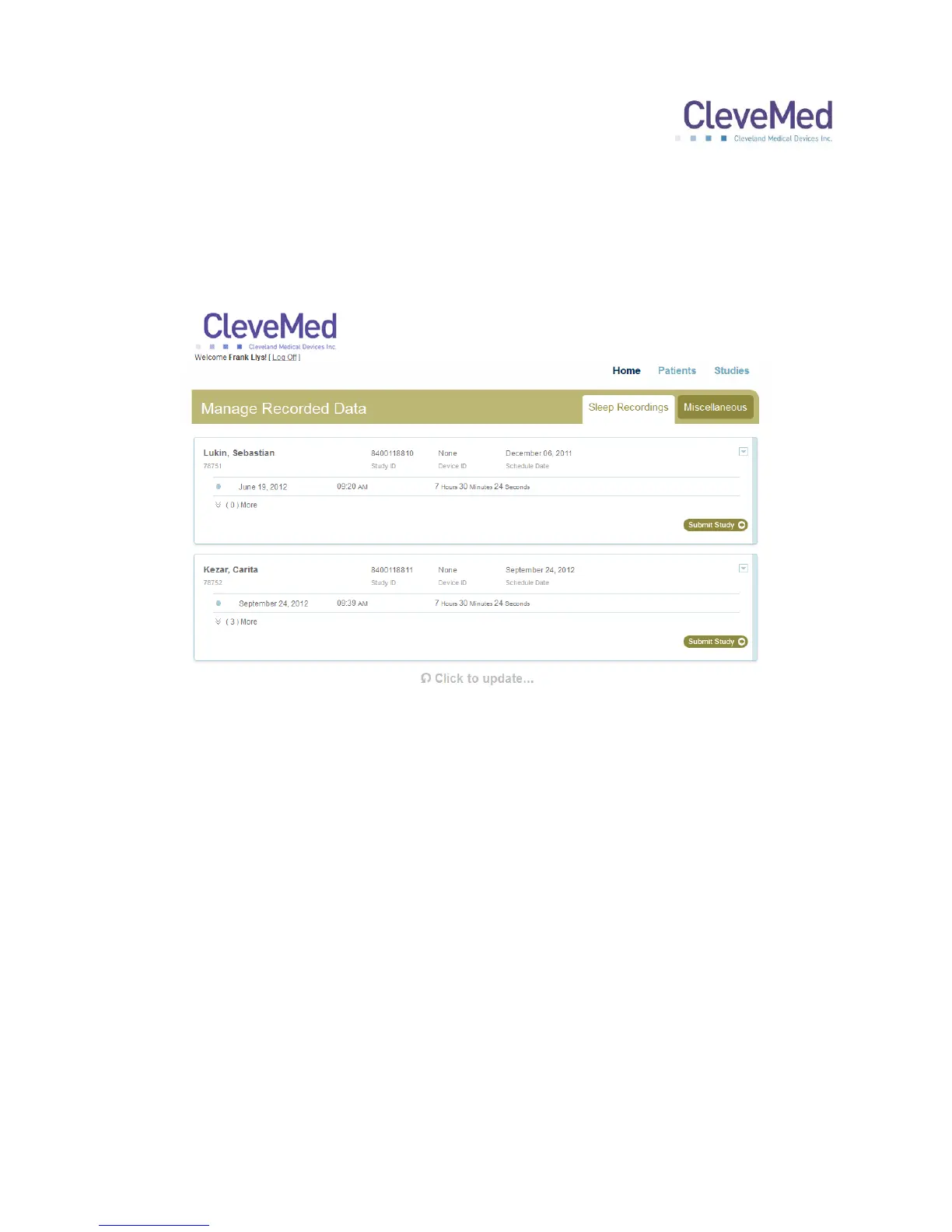
1. On the home page, select “Step 2 Manage Recordings” to assign the data files to
scheduled patient studies. You will be presented with a list of scheduled studies
with recordings uploaded to them.
2. Successful recordings will be listed under each scheduled study. If there is one study
click “Submit Study.” If there are more than one study listed, select one study and
click “Submit Study.”
3. A questionnaire will appear and will need to be filled out before the selected recording
can be submitted to review.
4. Repeat the above steps for any remaining studies.



 To Next Page