SLEEPVIEW USER MANUAL
26
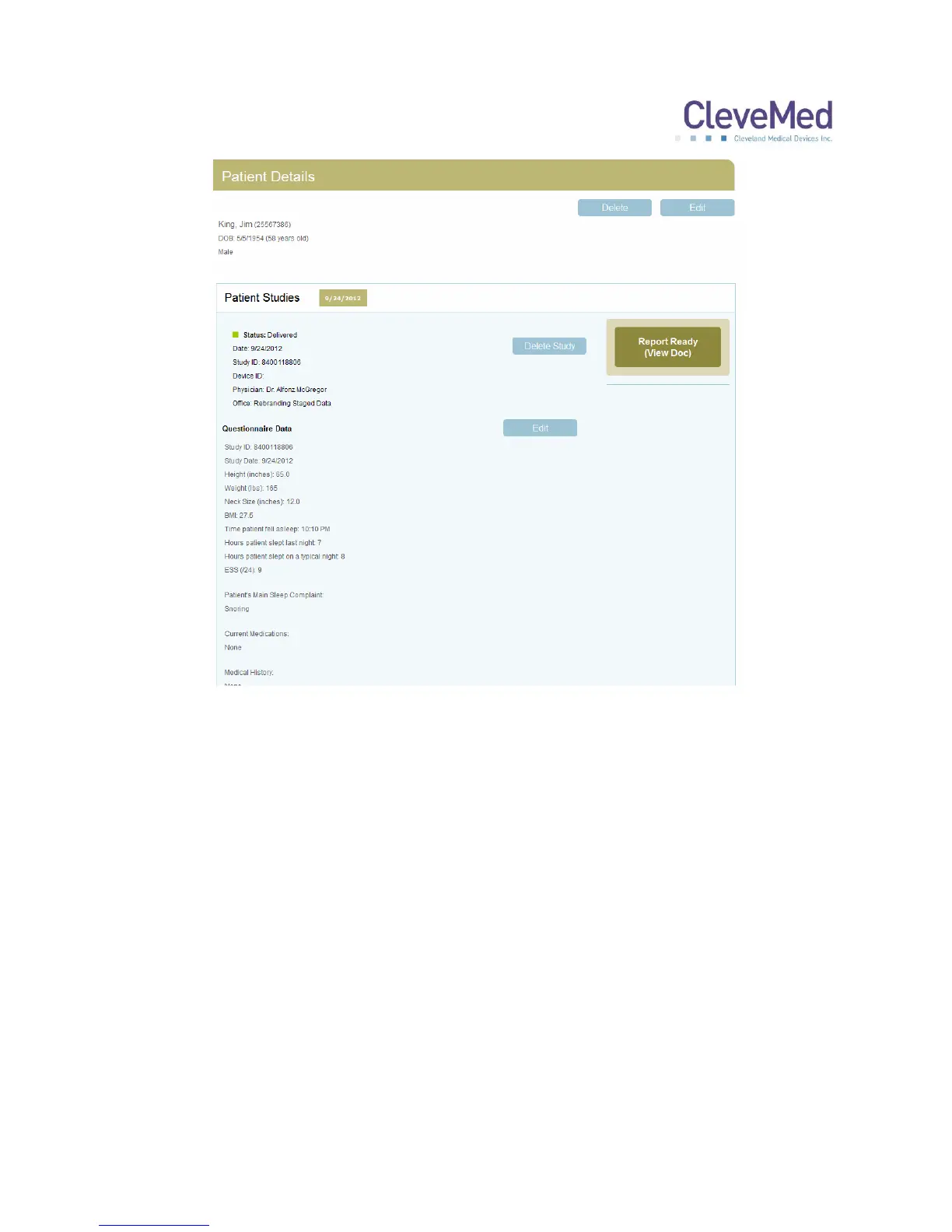
Click the “Report Ready” button to view, save or print the study report in PDF. Each
report is electronically signed by the interpreter. An e-mail will be sent to the primary
contact for your practice when a report is completed by the interpreter.
NOTE: In order to verify electronically signed documents you must use Adobe
Acrobat Reader X or higher to view the signed PDF report.


 To Next Page