Shenzhen Clever Electronic Co., Ltd
19
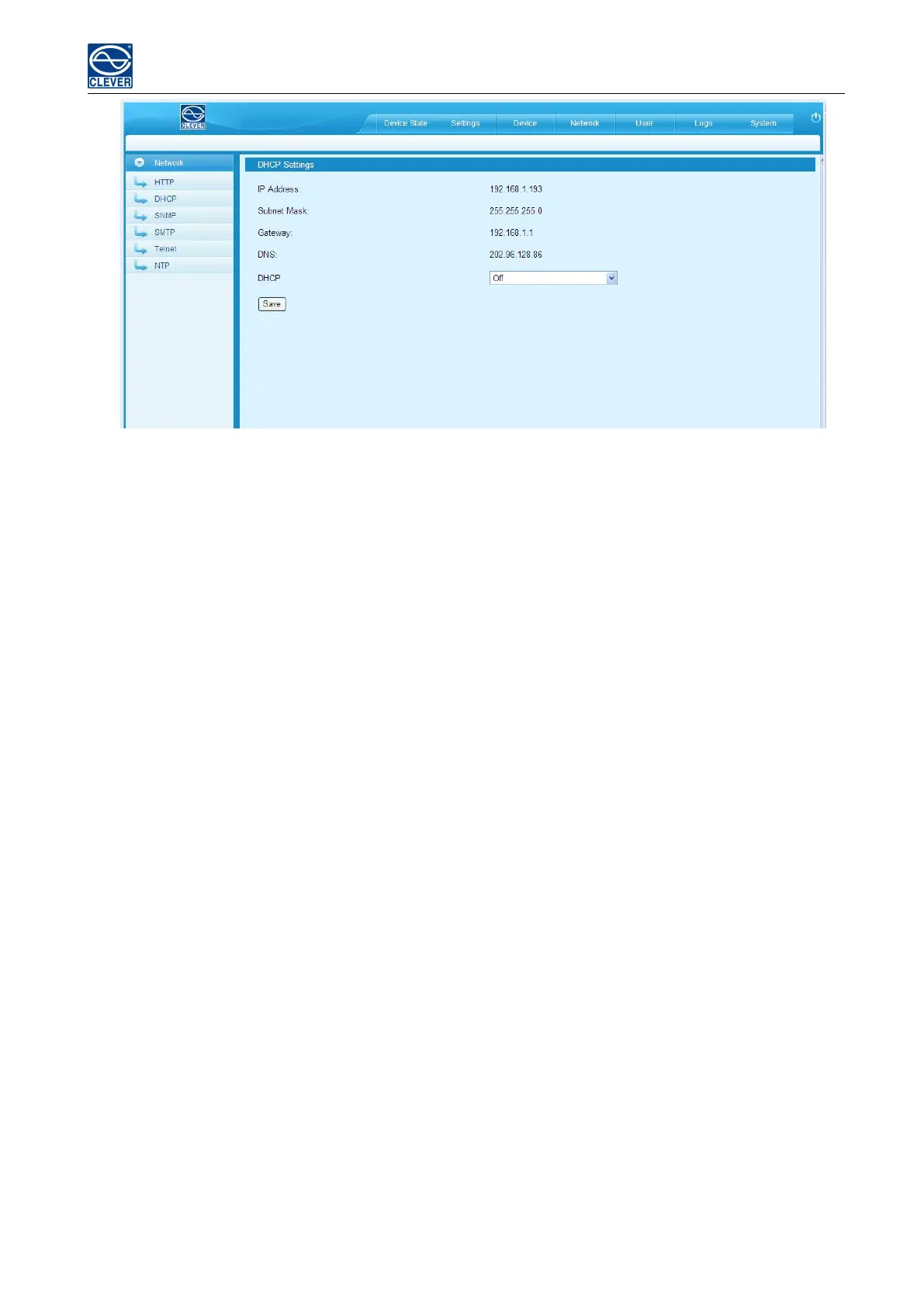
Figure 1-9
Remark: When DHCP is On, the device automatically obtains the router to assign an IP address and will not allow
you to manually modify the network settings.
4) SNMP settings
a. SNMP V1/V2c settings:
User can decide to Enable or Disable the SNMP access from the Web Interface.
Enable SNMP V1 and V2c requires configuration of read community and write community. And the default
“Read community” and “Write community” is public and private respectively.
Trap address: can set 2 trap addresses. Fill in the trap address of SNMP management platform, Trap information
will be sent directly to the addresses.
b, SNMP v3 Settings:
Select “On” and fill in account, password, private key.
Note: After save of the SNMP setting, software must be restarted.



 To Next Page