Introduction
Overview 1 - 1
1.Introduction
Chapter 1: Introduction
Overview
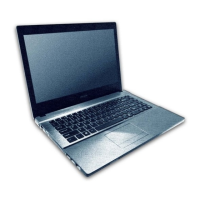
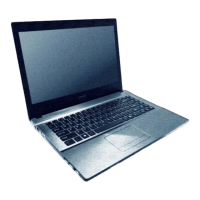
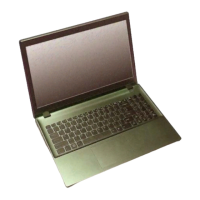
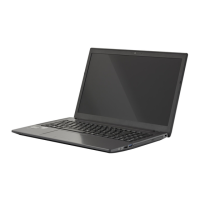
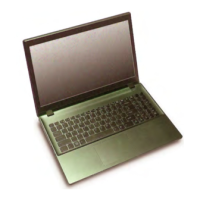
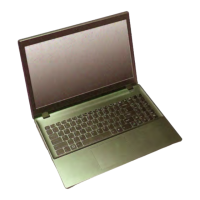
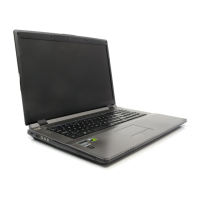
This manual covers the information you need to service or upgrade the W670RCW / W670RCW1 series notebook com-
puter. Information about operating the computer (e.g. getting started, and the Setup utility) is in the User’s Manual. In-
formation about dri-vers (e.g. VGA & audio) is also found in the User’s Manual. The manual is shipped with the
computer.
Operating systems (e.g. Windows 8.1, etc.) have their own manuals as do application softwares (e.g. word processing and
database programs). If you have questions about those programs, you should consult those manuals.
The W670RCW / W670RCW1 series notebook is designed to be upgradeable. See Disassembly on page 2 - 1 for a de-
tailed description of the upgrade procedures for each specific component. Please take note of the warning and safety in-
formation indicated by the “” symbol.
The balance of this chapter reviews the computer’s technical specifications and features.


 To Next Page