Clickfree Portable Backup Drive for Macintosh: User Guide Restoring my content (HD)
8. Select the name of the user whose content you want to restore.
Note: To restore content from more than one user simply repeat the restore process
choosing a different user each time.
9. Since you are letting Clickfree restore all of your content, simply click Next.
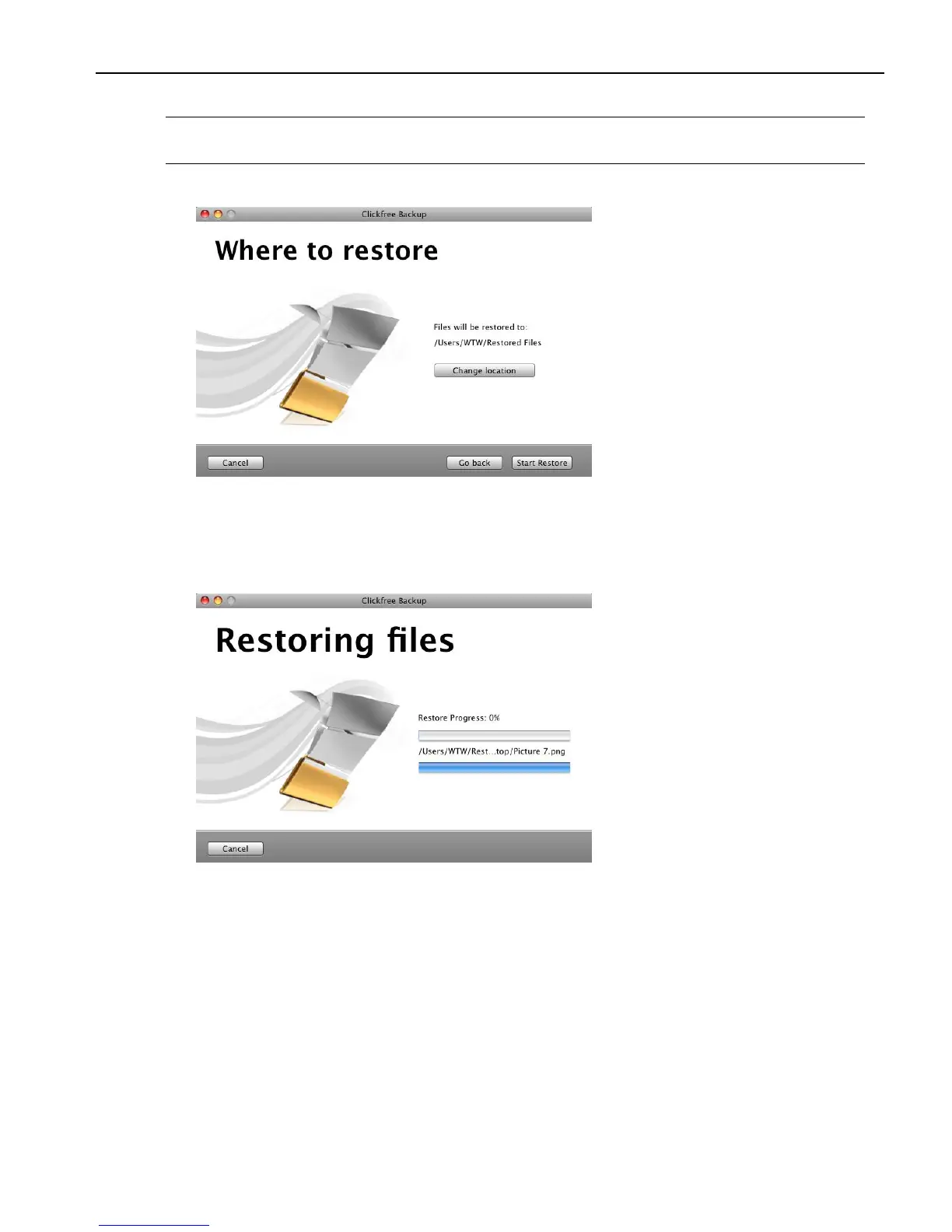
10. Since you are letting Clickfree restore files to the default folder, simply click Start
Restore.
As Clickfree restores your content, it shows you what is happening and how far it has
gotten in the process.



 To Next Page