Clickfree Portable Backup Drive for Macintosh: User Guide Advanced topics (HD)
7. If you do not want to import the music to iTunes, uncheck the Automatically add
imported music to your iTunes library checkbox.
8. Click Browse to select the location to copy the music files to.
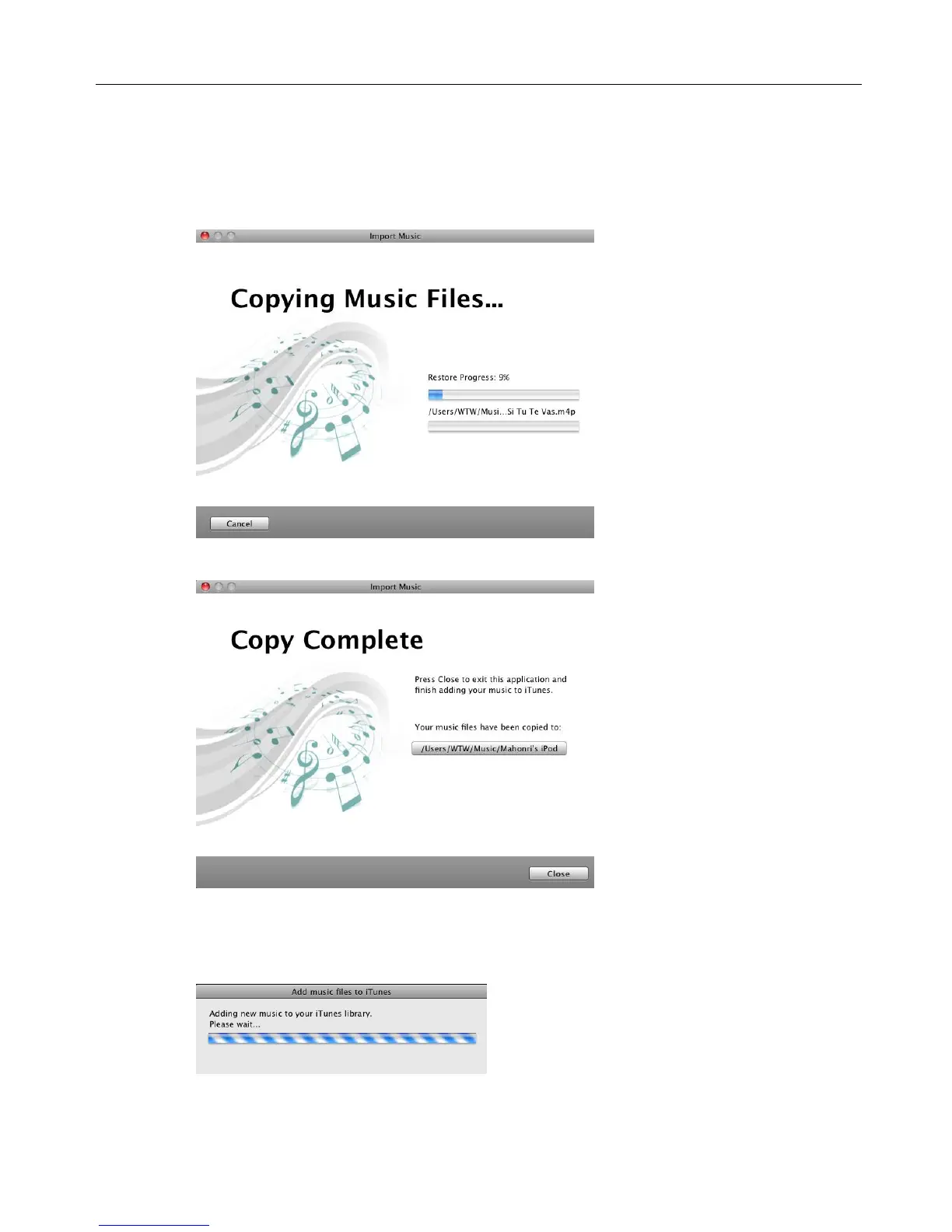
9. Click Start Copy.
The music files are imported to your computer.
10. Click Close.
11. If you are adding the imported music to your iTunes library, wait until the Adding
new music … box closes.



 To Next Page