Clickfree DVD Transformer for Macintosh: User Guide Backing up my content (DVD)
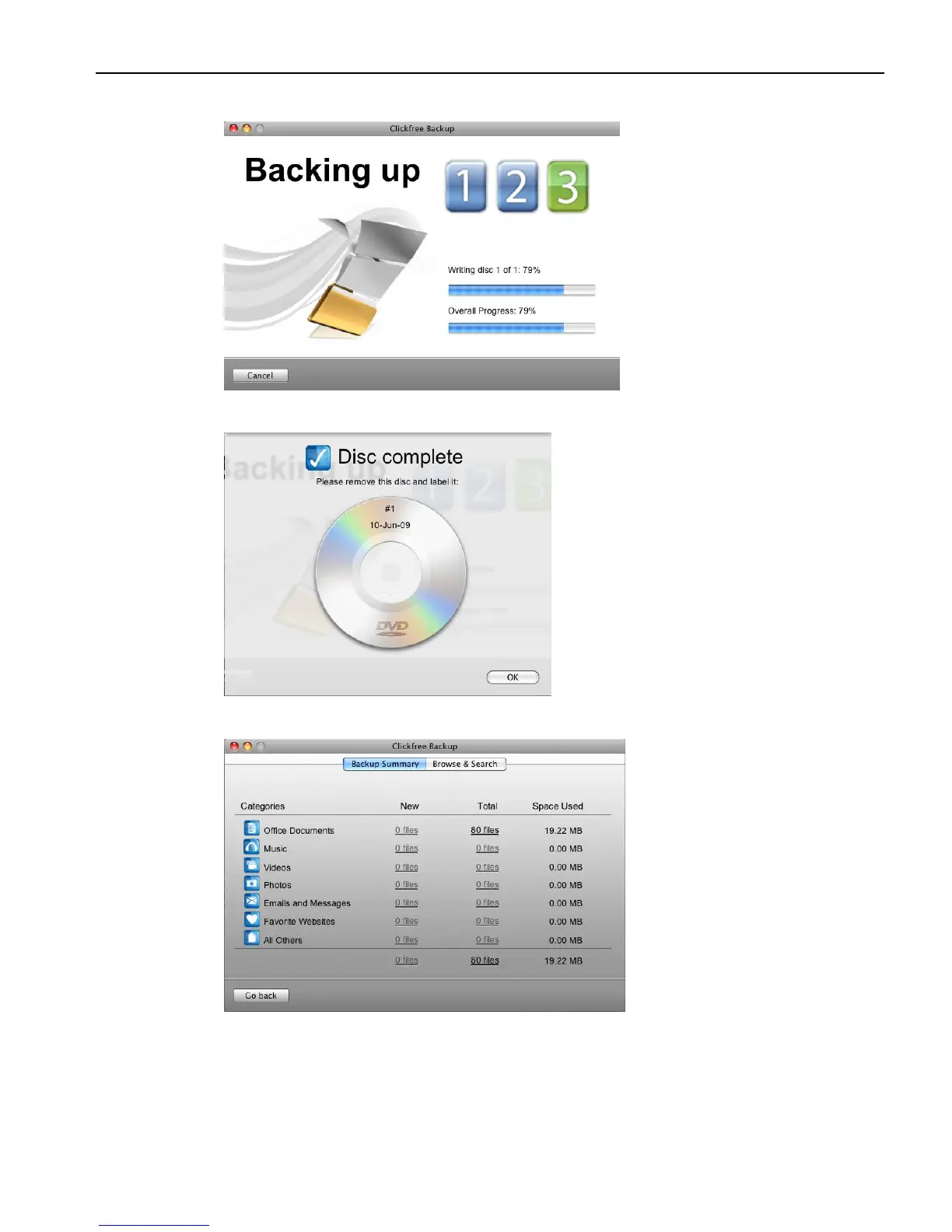
Clickfree then backs up the content you chose to your backup disk(s):
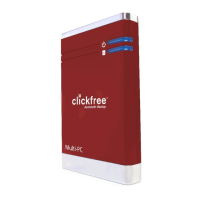
5. At the end of the backup, the backup disk is ejected, and you are prompted to label it:
6. Click OK.
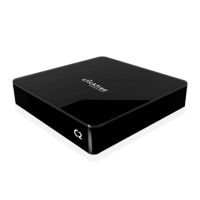
The Backup Summary window shows you how many files in each category were
backed up this time (New column) and from all backups for this user, including this
one (Total column). The Space Used column shows the amount of space that files
from all backups take up on their respective backup disks.



 To Next Page