13
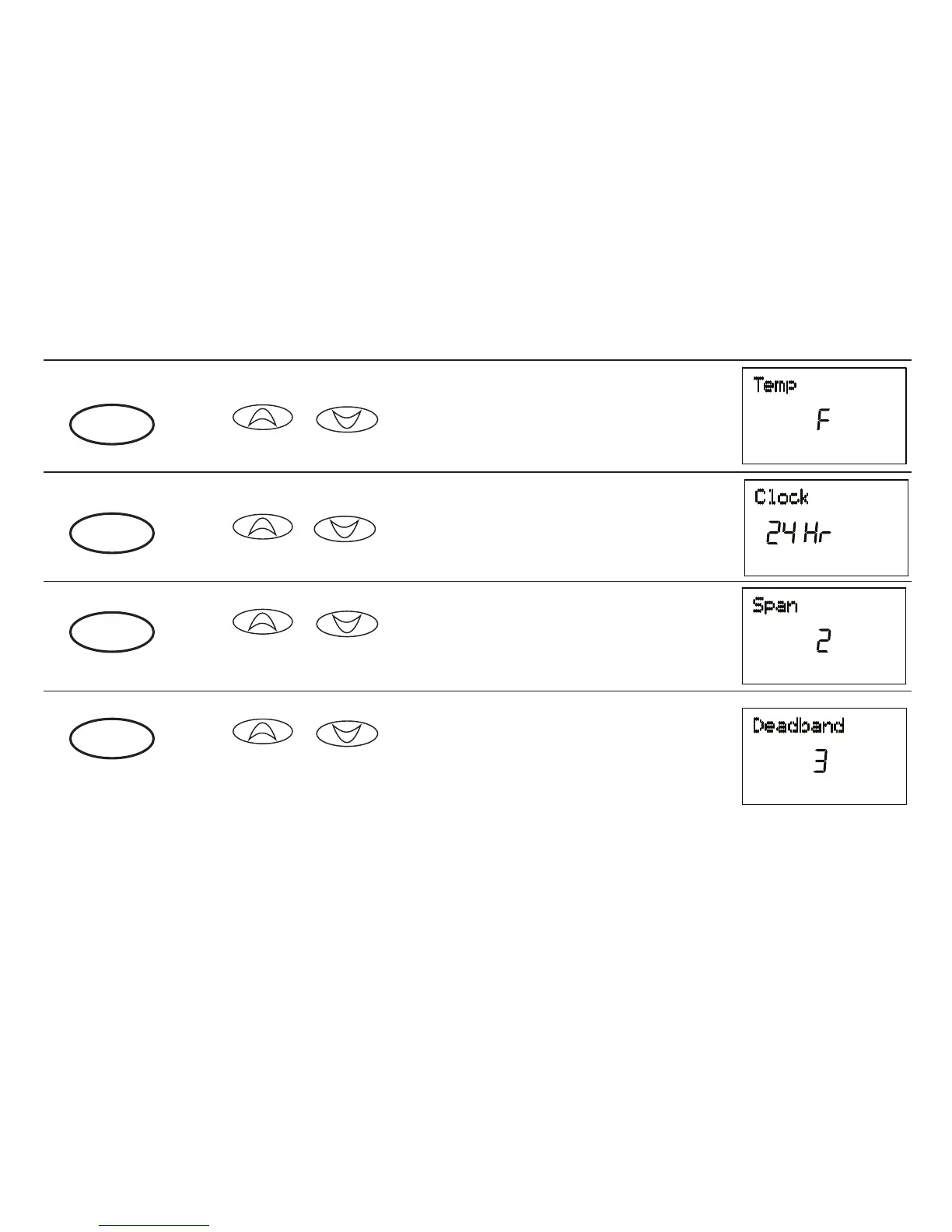
Fahrenheit or Celsius (F°/C°) selection
■ or to change the thermostat display between
Fahrenheit and Celsius.
12 Hour or 24 Hour Clock selection
■ or to change the time format display between 12
hour (AM / PM) and 24 hour (Military).
SPAN selection
■ or to change the SPAN setting to 1, 2, or 3. The
factory setting is 2. Setting 1 will cause shorter cycle times. Set-
ting 3 will cause longer cycle times.
option
3
option
4
option
5
Auto Season Changeover Deadband
■ or to set the deadband between Heating and
Cooling when the System Selection is set to Auto. See page 39 for
more information on the Auto Season Changeover feature.
option
6



 To Next Page