17
12 Hr. / 24 Hr. Time Format
Your thermostat is set from the factory in normal 12 (AM / PM) format. To change to 24 hour (military) time, press
at any time while the Hour, Minute, or Day is ashing to toggle between the 12 hour and 24 hour formats. The AM / PM
indicator will not be displayed in the 24 hour mode. Both the current time and all programs will change automatically to the
selected format. The time format may also be changed in the Option Menu.
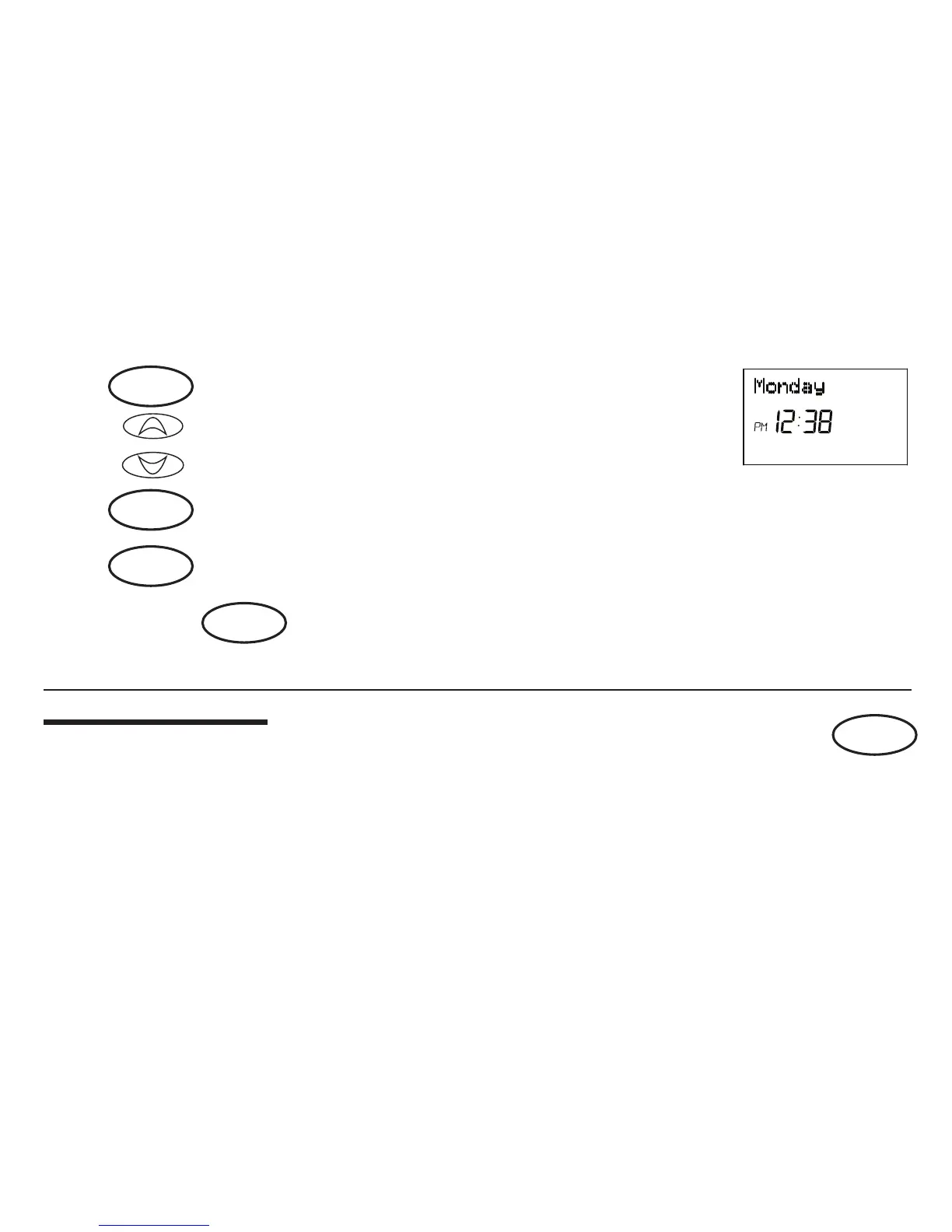
Step 3 ■ Press again to change from minute setting to day setting. The cur-
rent day will be ashing.
■ Press to change the Day up or down to the current day.
Step 4 ■ Press again to change back to the normal display.
NOTE: You may press at any time during Day and Time setting to return to the normal display.
or
day/time
ret/clear
day/time
or
ret/clear
option



 To Next Page