40
Filter Monitor
Your thermostat also keeps a record of the number of hours your lter has been in use. To maximize your system’s perfor-
mance and energy eciency, change or clean your lter regularly.
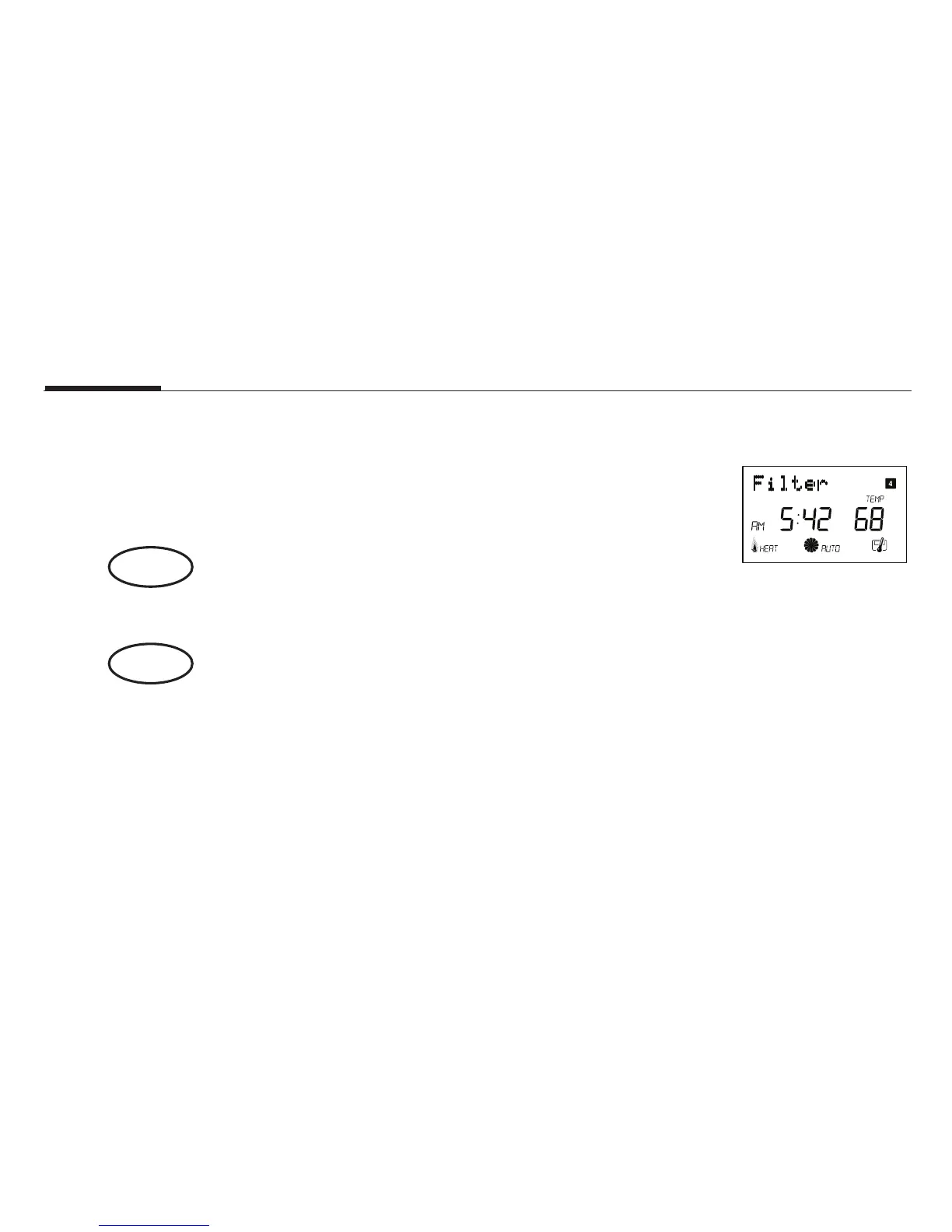
■ When the total system run time for heat and cool reaches 500
hours, “FILTER” will alternate on the display with the day to remind
you to clean or change your system’s lter. “FILTER” will continue
to display until the counter is set back to zero.
■ Press to review total lter usage. After 15 seconds, the display
will return to normal mode, or you can hit RET CLEAR to exit im-
mediately. The Filter Monitor will display up to 999 hours and 59
minutes of usage.
In this example, the counter is at 410 Hours, 26 minutes.
■ To reset the Filter Monitor counter, hold for 3 seconds.
The display will blink, and the counter will be reset to zero.
ret/clear
filter



 To Next Page