16
PROGRAMMING
Setting Time and Day
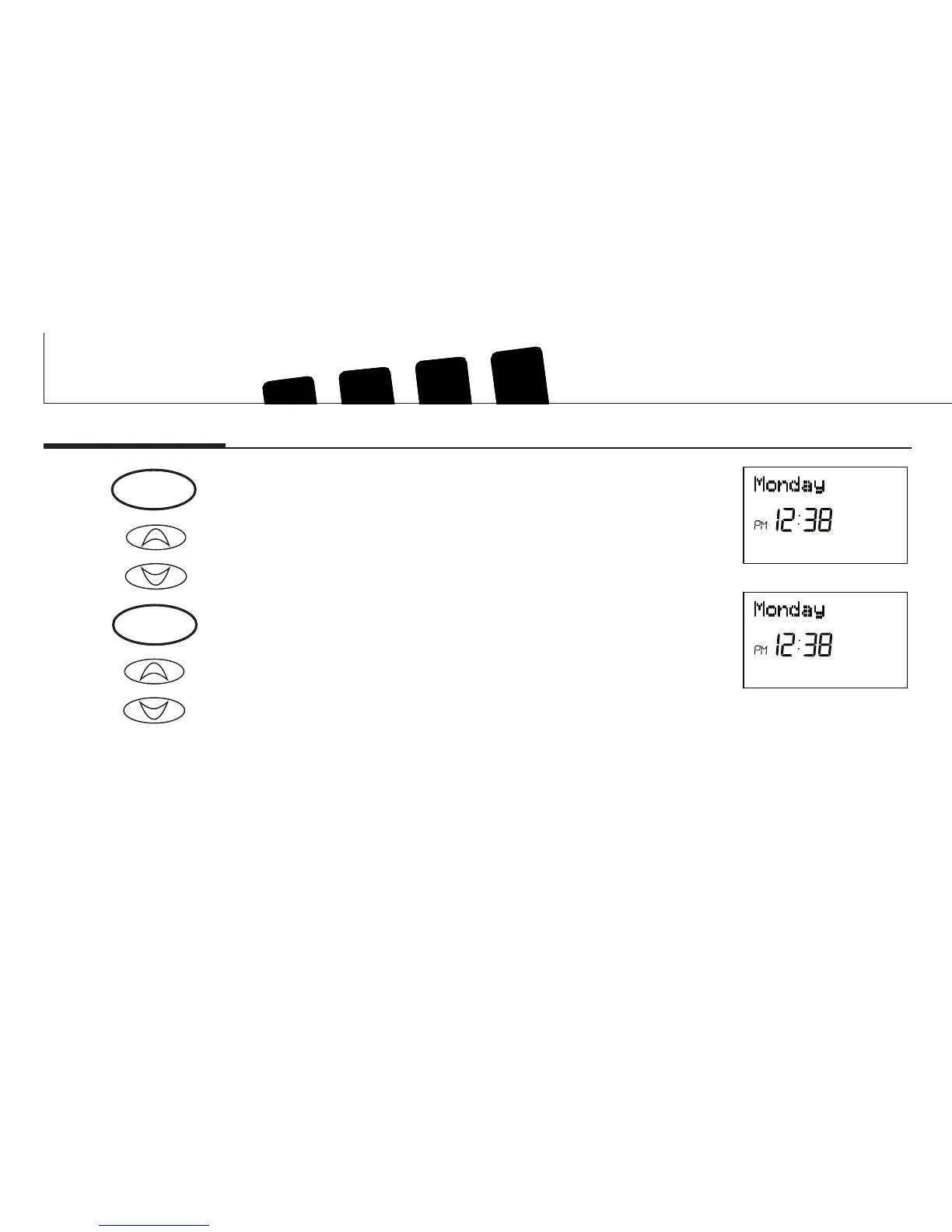
Step 1 ■ Press to enter time and day setting mode. The current hour and
the AM / PM indicator will be ashing.
■ Press to change the Hour up or down to the current hour.
Note the AM / PM indicator, as the display will change at 12 AM and 12
PM.
Step 2 ■ Press again to change from hour setting to minute setting. The
current minute will be ashing.
■ Press to change the Minute up or down to the current minute.
or
or
day/time
day/time



 To Next Page