22
PROGRAMMING
Weekday/Weekend Programming
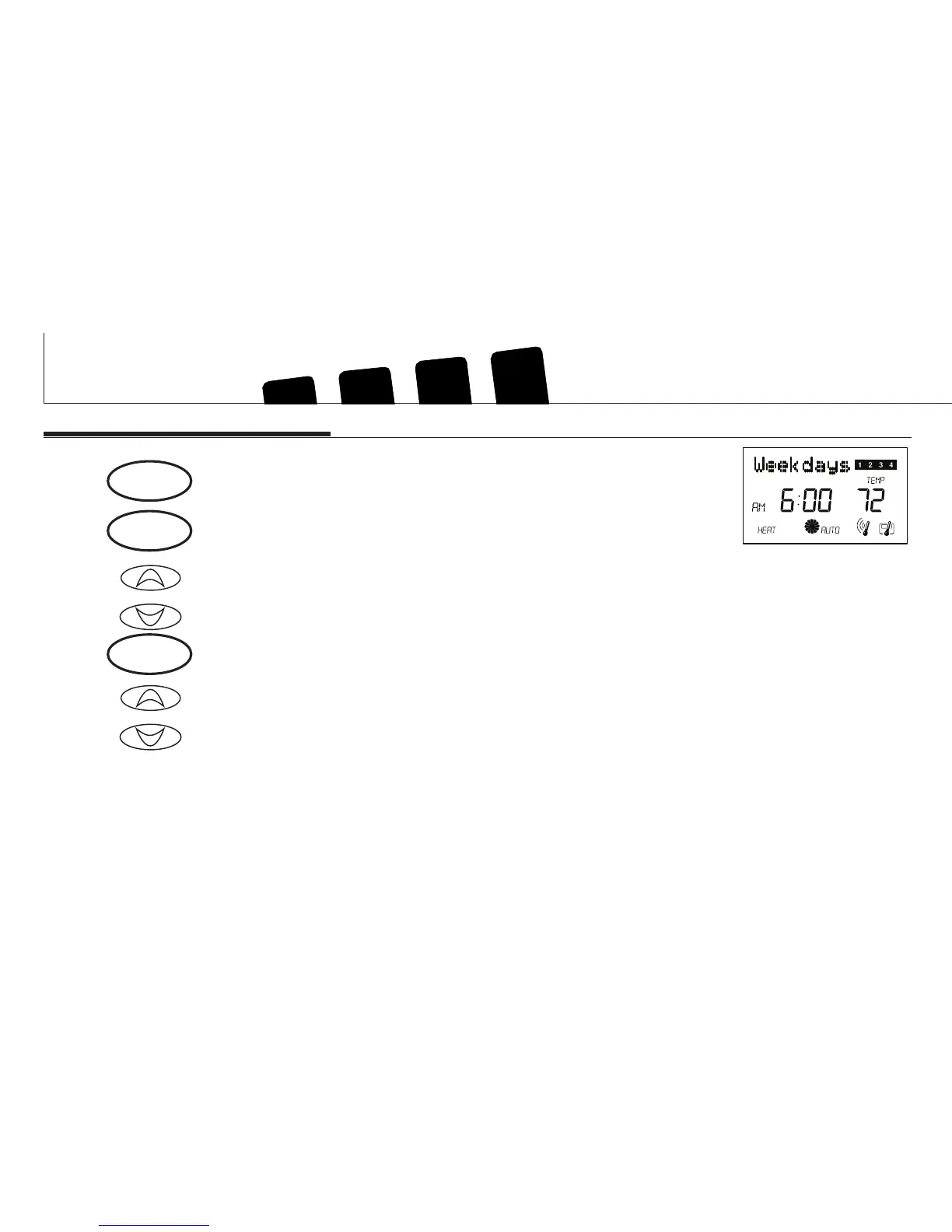
Step 1 ■ Press to enter program mode. Weekdays are displayed and pro-
gram 1 is ashing.
■ Press to change heat of cool mode programming while in pro-
gramming mode
Step 2 ■ The Program hour and AM or PM indicator are ashing. Press to
change the hour.
Step 3 ■ Press again to change to the minute position. The current minute
will be ashing.
■ Press to change the minute.
or
program
or
program
system



 To Next Page