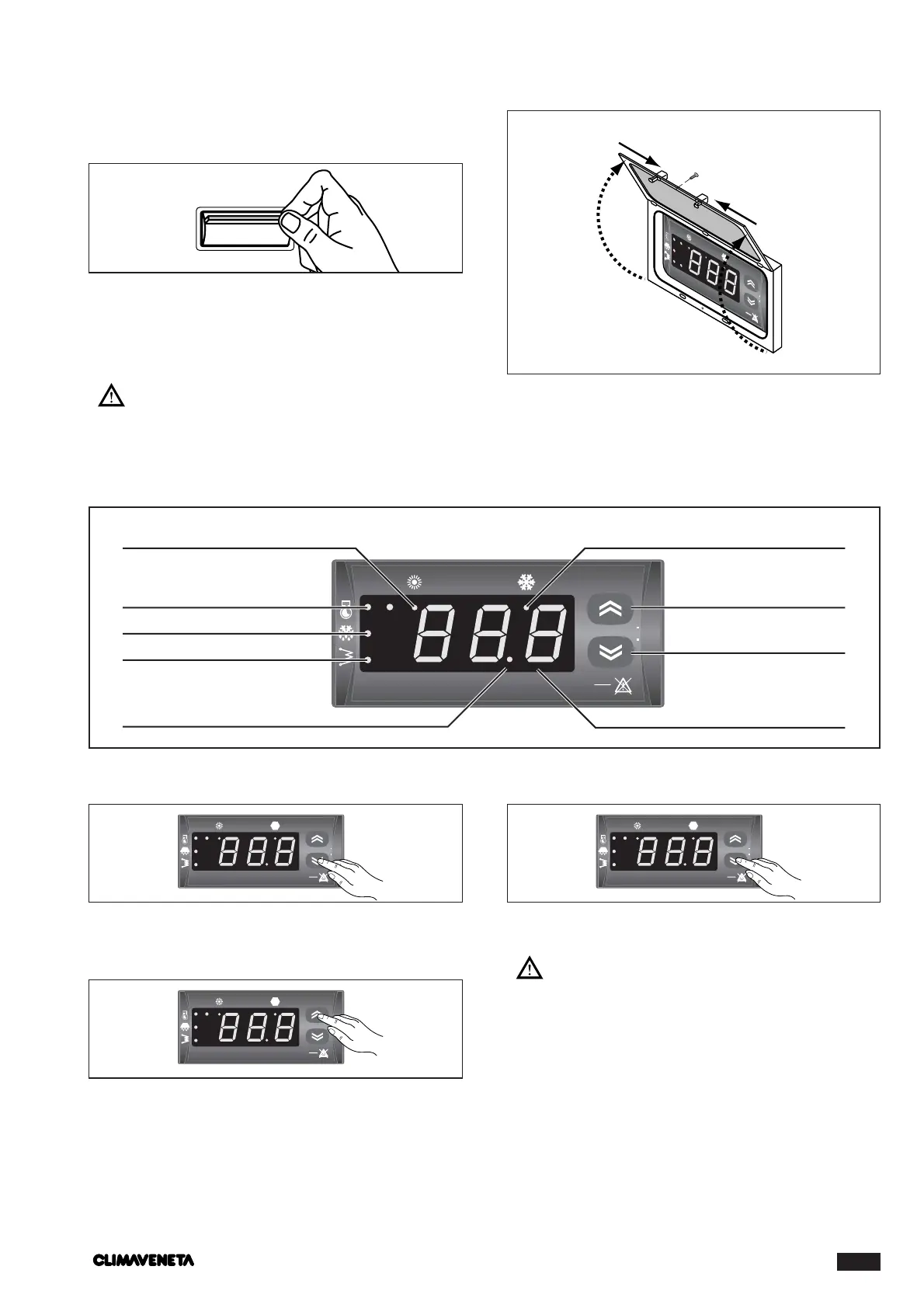
Activating:
-Press the ON/OFF button on the keyboard in the figure.
On the “values display”, the value of the installation water
return temperature appears.
-Press the MODE button once.
The cooling LED comes on.
After a couple of seconds, the compressor 1 LED flashes
until the compressor comes on.
Deactivating
-Press the ON/OFF button on the keyboard in the figure.
The “values display” goes off.The POWER led remains on.
At the beginning of each season, check that
the operating conditions fall within the limits given
on page 25.
Check that the compressor current input is below
the maximum given in the table of technical data.
In three phase models, check that the compres-
sor is not abnormally noisy. If this is so, reverse one
of the phases.
Make sure the voltage falls within the limits speci-
fied and that the unbalance between the three phas-
es (three phase power supply) is no more than 3%.
ACTIVATING AND DEACTIVATING THE UNIT
-
Place the remote switch SA1 (if present) in the ON position.
- Set the remote keyboard A6 (if present) to ON.
-To ACTIVATE AND DEACTIVATE the COOLING and
HEATING functions, use the control panel “HSW4” or
the remote keyboard A6 (if present).
During this initial phase, if the following should
appear, follow the instructions:
- E41 check water flow and connection (14 - 15) of
the flow switch or differential pressure switch.



 To Next Page