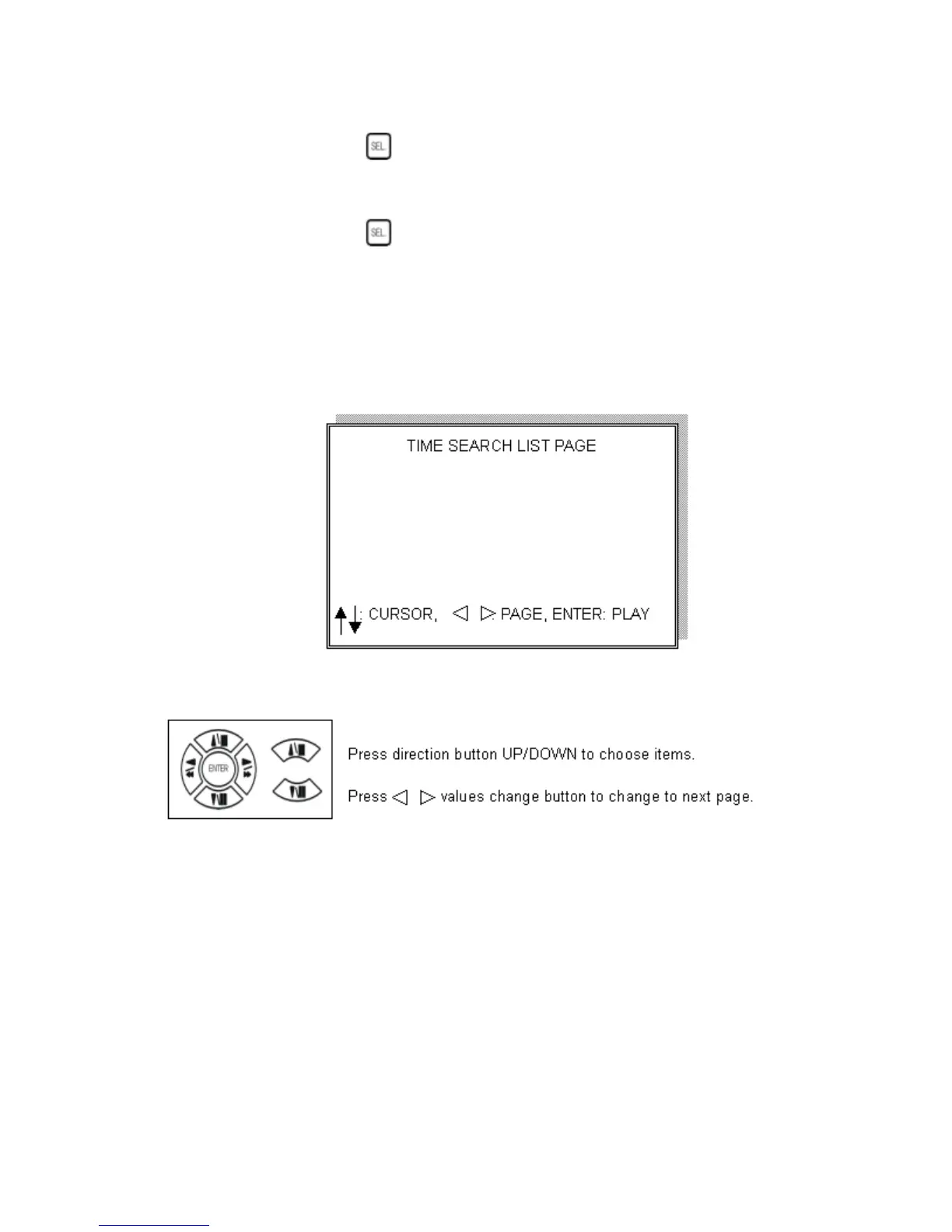
SORT: (16 Channel Only) DATE, alarm events sort by date and time.
CH, alarm events sort by channel.
TYPE, alarm events sort by type.
Press (SEL)
button to change sort.
DELETE: (16 Channel Only) ITEM-deletes line items. PAGE-deletes each page.
ALL-deletes all items.
Press (SEL)
button to change delete mode.
(4 Channel Only) SORT: Sorts by date only.
(4 Channel Only) DELETE: Deletes by line item only.
3. TIME LIST (Playback image by Time-Search): Recorded image list (by hours)
No items or page display limit. DVR recording mode is continuous.
PLAY END: After selected image playback ends, DVR is going to continue to
playback this file. Press STOP to stop playback, press RECORD to continue
recording.
FIRST: XXXX/XX/XX XX:XX:XX (The first date and time recording display)
If HDD has overwritten, the first date and time displayed will change.
LAST: XXXX/XX/XX XX:XX:XX (The final date and time recording
displayed). When the user stops recording or goes to a menu, at that moment is the
last record.
GO TO: XXXX/XX/XX XX:XX:XX Enter the (year / month / day, hour /
minute / second) of selected viewing time.
PLAY GO TO TIME: After entering date and time, select PLAY GOTO TIME,
press ENTER to start playback.
14


 To Next Page