30
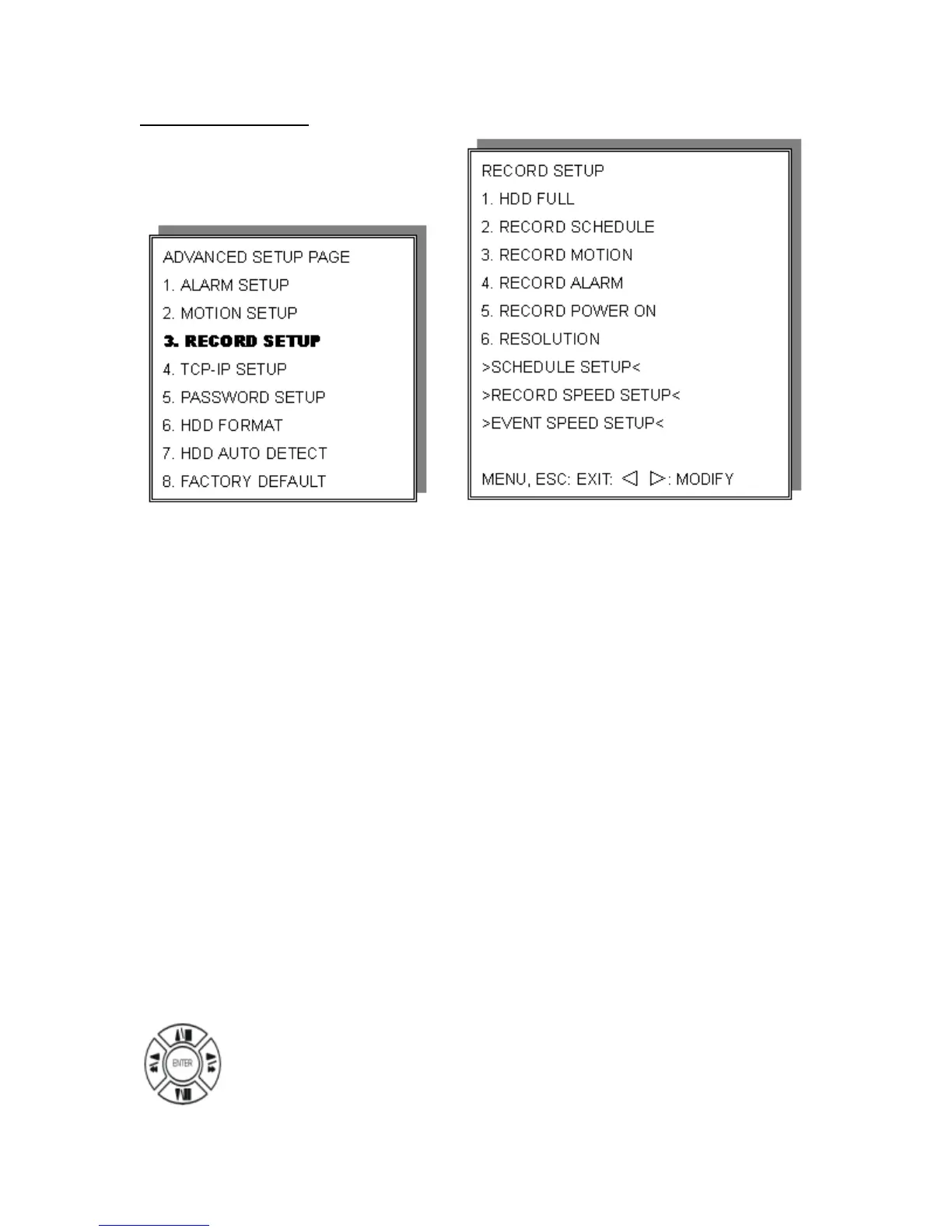
Record Setup
1) HDD FULL: When the hard drive is full, The DVR will
overwrite or stop recording.
OVERWRITE/STOP REC (your choice)
2) RECORD SCHEDULE: Time SCHEDULE record mode is on or off.
ON/OFF
3) RECORD MOTION: Motion detection record mode is on or off.
ON/OFF
4) RECORD ALARM: Alarm event record mode on or off. ON/OFF
5) RECORD START ON: Always record after power is turned on. ON/OFF
6) RESOLUTION: Record image quality setup. SUPER /
HIGH / FINE / NORMAL / LOW
Press direction buttons up/down to choose items.


 To Next Page