3. Display Setup
1. DATE-TIME: Date and Time caption display mode.
2. CAMERA TITLE: Camera Title caption display mode.
3. PB DATE-TIME: Playback date and time caption display mode.
4. PB CAMERA TITLE: Playback camera title caption display mode.
5. DVR STATUS: DVR System Field, record, playback, audio caption
display mode.
6. BORDER SET: Border color WHITE, YELLOW, CYAN, GREEN,
MEGENTA, RED, BLUE, BLACK, GRAY.
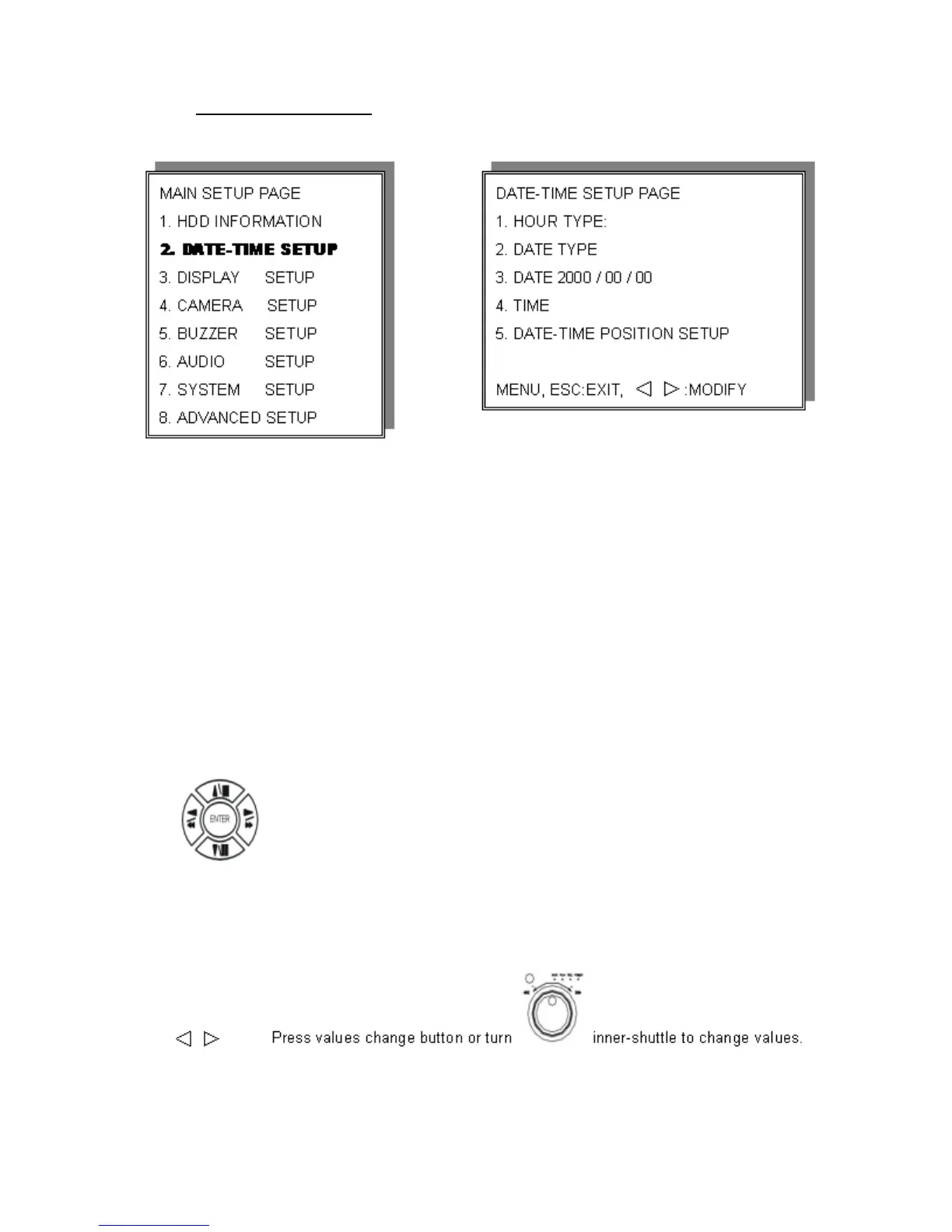
Press direction buttons to choose the desired item.
18


 To Next Page