www.clouddrive.tech
Empower and serve the global eBike industry
Business Cooperation
Jim@clouddrive.tech
Page
14
of 19
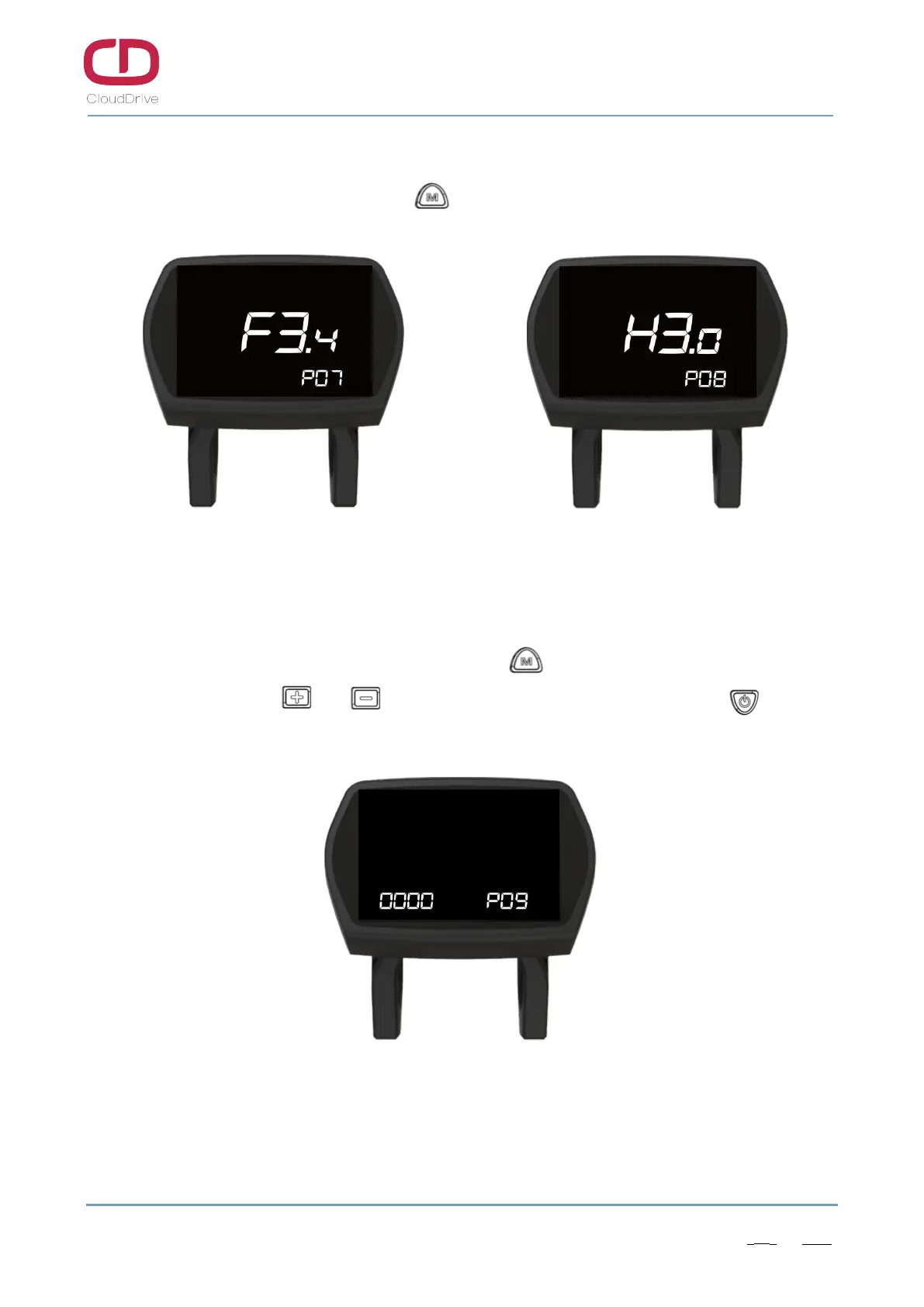
7.8. Version information
After finish the current limit setting, click button to enter the version information interface.
Figure7-7a Software version info Figure7-7b Hardware version info
7.9. Startup password changing
After checking the hardware version number, click button to enter the startup password
changing interface, click or button to change the password number, click button to
switch password digit.
Figure7-9 Startup password changing


 To Next Page