www.clouddrive.tech
Empower and serve the global eBike industry
Business Cooperation
Jim@clouddrive.tech
Page
6
of 19
5. Installation Instruction
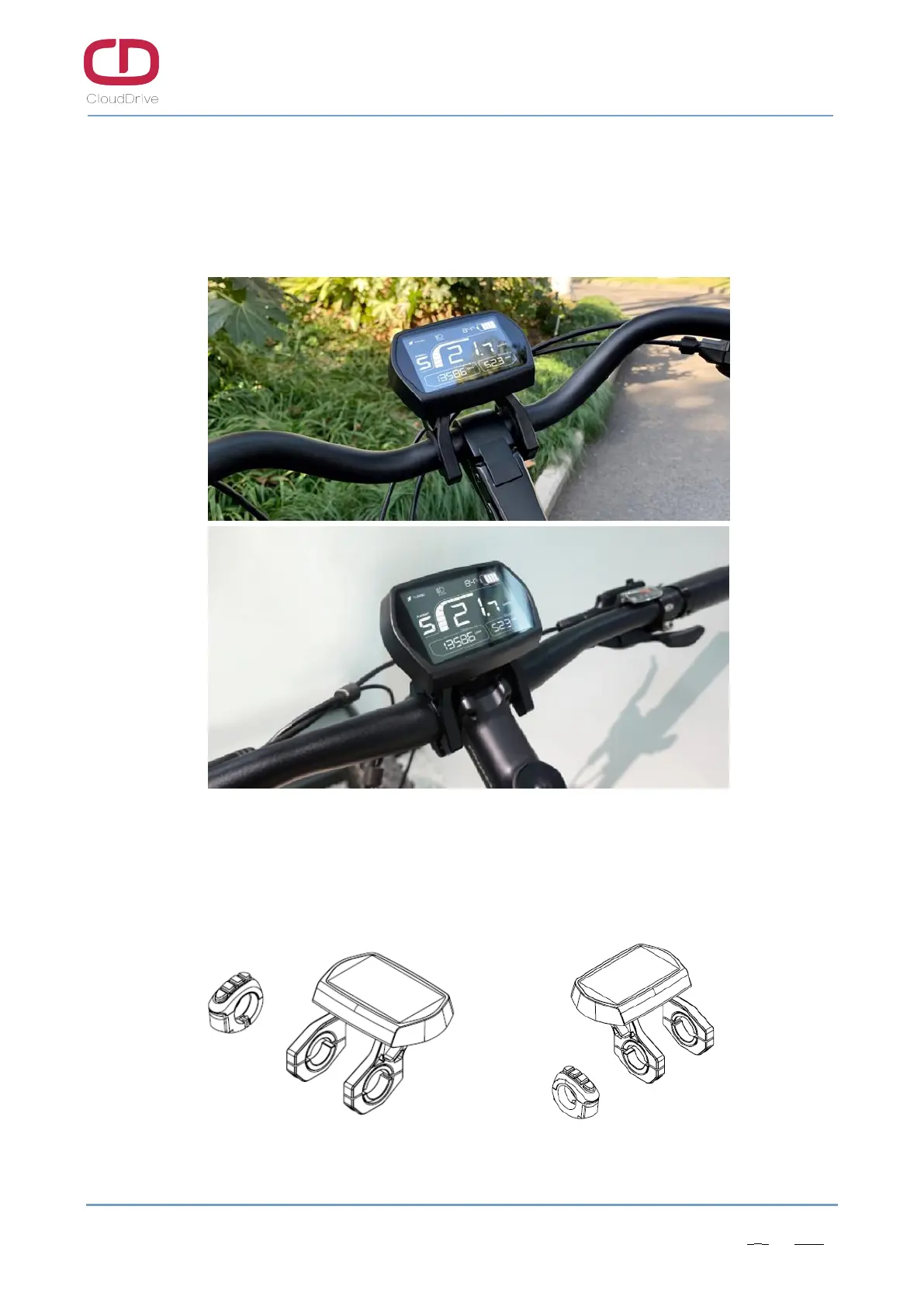
Fix the CDC6 display and button on the ebike handlebar, adjust to a suitable view angle, make
sure the button is installed in an easy to operate position, tighten the screws, then the installation is
finished.
Figure5-1 Actual installation images
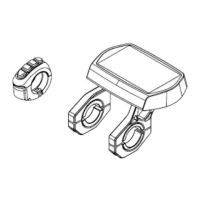
If need to install the headlight on the lower part of plastic clamping ring, the headlight bracket can
be clamped on the lower side but not the higher side.
Figure5-2 Equiaxial side view


 To Next Page