Make a Call from Favorites
Call your favorite contacts with just one tap. In this tab,
you can add a person from your contacts to your
Favorites
.
Make a Call from Recents
The Recent tab features your call log of all incoming,
outgoing, and missed calls.
Make a Call from Contacts
In the Contacts tab, you’ll see all your contacts listed.
Tap on a contact to see their details and select call,
text, or video.
Voicemail
The Voicemail tab will display all your voicemail
messages. You'll be prompted to set up your visual
voicemail if it is your first time opening this tab.
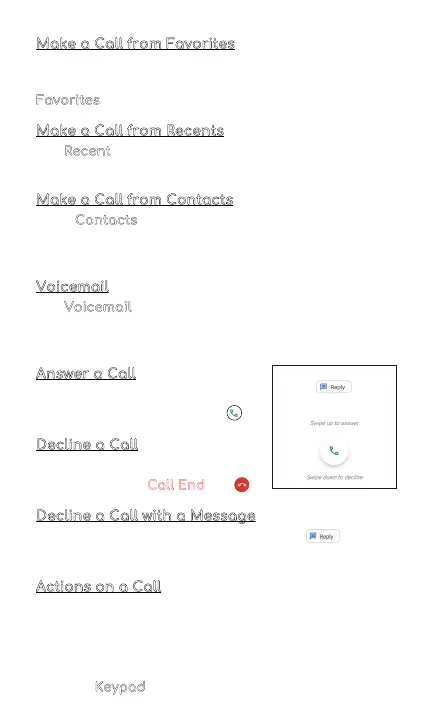
Answer a Call
On the incoming call screen, swipe
your finger up to answer a call .
Decline a Call
To decline a call, swipe your
finger to the Red Call End
key .
Decline a Call with a Message
You can decline a call with a text message . Choose
from responses listed or write your own response.
Actions on a Call
While you are on a call, you can do the following:
• Mute the call
• Choose to put call on speaker
• Add call
• Hold the call
• Use the
Keypad
7



 To Next Page