Gallery
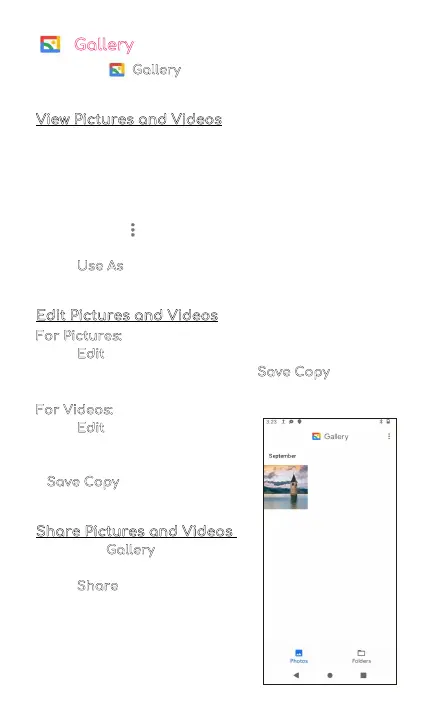
Go to your Gallery to view, edit, and manage your
pictures and videos.
View Pictures and Videos
• Tap on a picture to view it
• Swipe left or right to view other pictures or videos in
order
• Tap on the star icon in the top right corner to mark
the picture as a favorite
• Tap on the three dots in the upper right corner to
see more details
• Tap Use As
to set the selected picture as your
wallpaper or assign it to a contact
Edit Pictures and Videos
For Pictures:
• Tap Edit to rotate, crop, or add a filter to your picture
• To save your edited picture, tap Save Copy
in the top
right corner
For Videos:
• Tap Edit to to adjust the length
of your video
• To save your edited video, tap
Save Copy
in the top right
corner
Share Pictures and Videos
From your Gallery,
• Tap on a picture or video
• Tap Share
and choose a
Contact or an app to share
your picture or video selection
9



 To Next Page