Save a Contact from a Recent Call
In the Recents tab of your phone app, you can save a
contact from a recent call.
Message
Send and receive messages with the Message app.
Send a Message
Compose a new message to a saved contact or
manually enter a phone number.
1. Tap the Message
2. Select Start Chat button in the bottom right corner
3. Choose recipients from Contacts
or enter a phone
number
Receiving a Message
When you receive a message, you’ll be notified. To see
your message, open the Message
app to view.
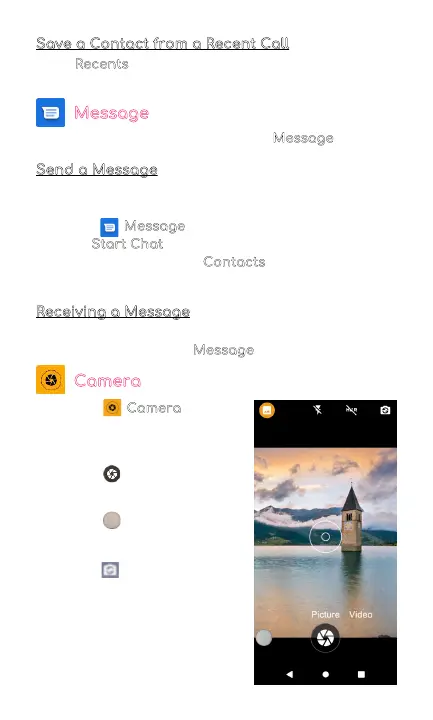
Camera
• Tap the Camera to enter
camera
mode and open the interface.
• Tap the button to take a
picture.
• Tap the button to start
camera recording.
• Tap the in the top right
corner to switch between
the front and back camera.
8



 To Next Page