6
Section 3 Operation
3. Remove cover. Conrm that ttings are not leaking, contact Tech
Support at 1 (800) 676-1335 if leaks are found.
4. Replace cover.
3B. NormalOperation
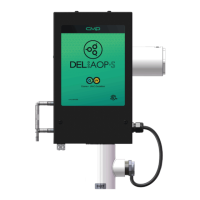
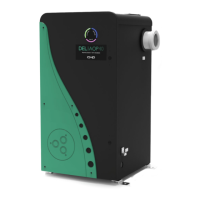
Indicator Lights: The DEL AOP 50 has two external indicator lights,
red and green, on its left side. When the DEL AOP 50 has power, the
green Power Light will illuminate. The red Flow Indicator may be on
momentarily. Once adequate water is owing, the red Flow Indicator
will go out. If the red Flow Indicator light is still lit after the pump has
reached steady ow, refer to Trouble Shooting (SECTION 5).
3C. SystemShut-Down
The following sequence of steps must be followed for servicing or for
storage.
1. Shut o power at the breaker.
2. Shut o water to the unit.
3. Open door.
4. Disconnect all electrical, plumbing, and mounting connections for
storage.
3D. Winterizing
If the pool will be shutting down for the winter months and the DEL
AOP 50 will remain exposed to freezing temperatures, the unit must
be drained to prevent freeze damage to the wetted components. To
drain the DEL AOP 50, see the following steps.
1. If the DEL AOP 50 is mounted below the water level, bypass valves
must all be CLOSED to prevent excess water from draining into
the unit.
2. Open the door.
3. Locate the Drain Plug (Refer to Figure 7) and remove to drain the
remaining water in the DEL AOP 50.
4. Allow all the water to drain from the DEL AOP 50 before threading
the plug back into the UV Reactor.



 To Next Page