13
Edition 2.0 2010/06
1) Communications software instructions
Connect PV Inverter and PC by RS232 wire. Open monitoring software “PV Inverter
COM.exe”.If you use “PV Inverter COM.exe”, Open the “PV Inverter COM.txt” file in the
path :C:\WINDOWS. The file records the user's software and the main parameter settings,
click on the main interface and the "Setting" button, enter the password "szddz" into the
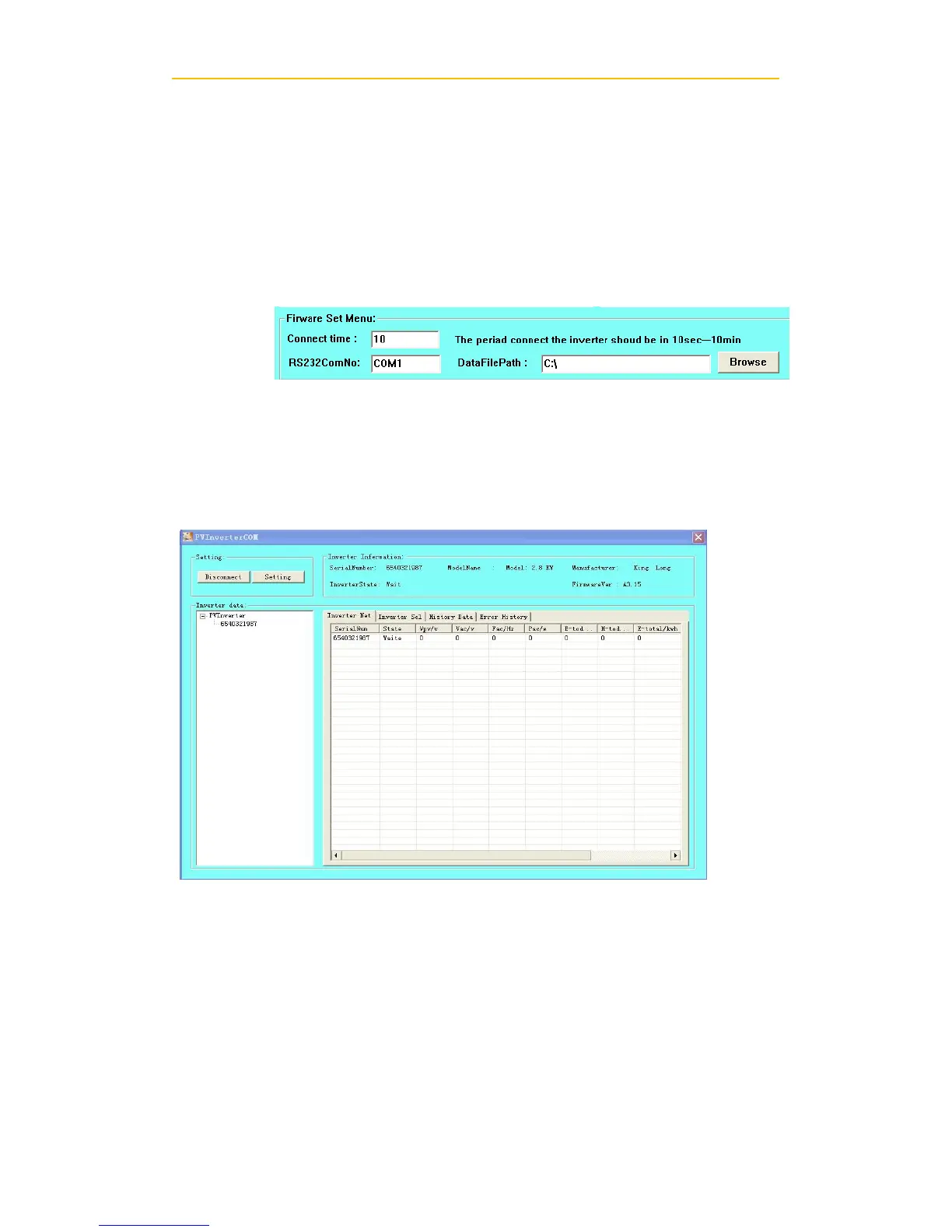
user settings interface, set the interface as follows based on actual field conditions.
Click the “Set”button and exit.
2) Monitor
After setting the software the user can monitoring the inverter. The right side of the main
interface is the detailed information of inverter.
3) Detailed information
Detailed setting method and other functions refer to "PV Inverter COM Manual." in
the CD.
6. Trouble shooting
In most situations, the Inverter requires very little service. However, if Inverter is not
able to work perfectly, please refer to the following instructions before calling your


 To Next Page