8.4.5.8.1 Alerts
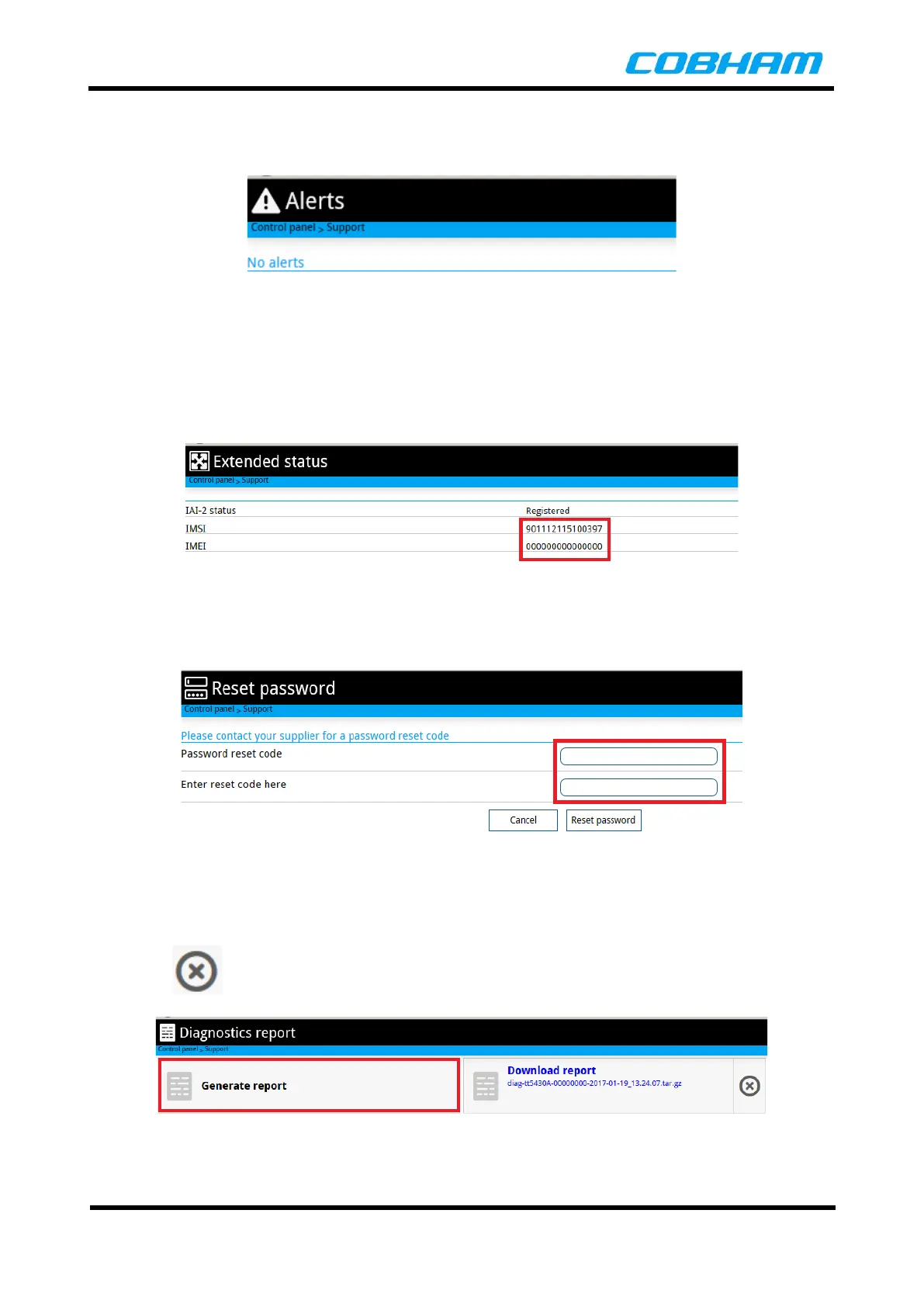
Any alerts from Built-In Test (BIT) failures are shown in this menu screen.
Figure 8-34: Support Alerts
8.4.5.8.2 Extended Status
The Extended Status shows the IMEI and IMSI numbers for the USIM and status of the terminal on the
network.
Figure 8-35: Support Extended Status
8.4.5.8.3 Reset Password
Reset the Administrator password to the default. A reset password code is required from the supplier.
Figure 8-36: Reset Password
8.4.5.8.4 Diagnostic Report
The terminal can generate a diagnostic report for use by the supplier when debugging issues. First select the
Generate report button, then click the on the report to download it to a location of your choice.
Click on the button to delete the report.
Figure 8-37: Generate Diagnotic Report



 To Next Page