8.4.6.6 Factory Reset
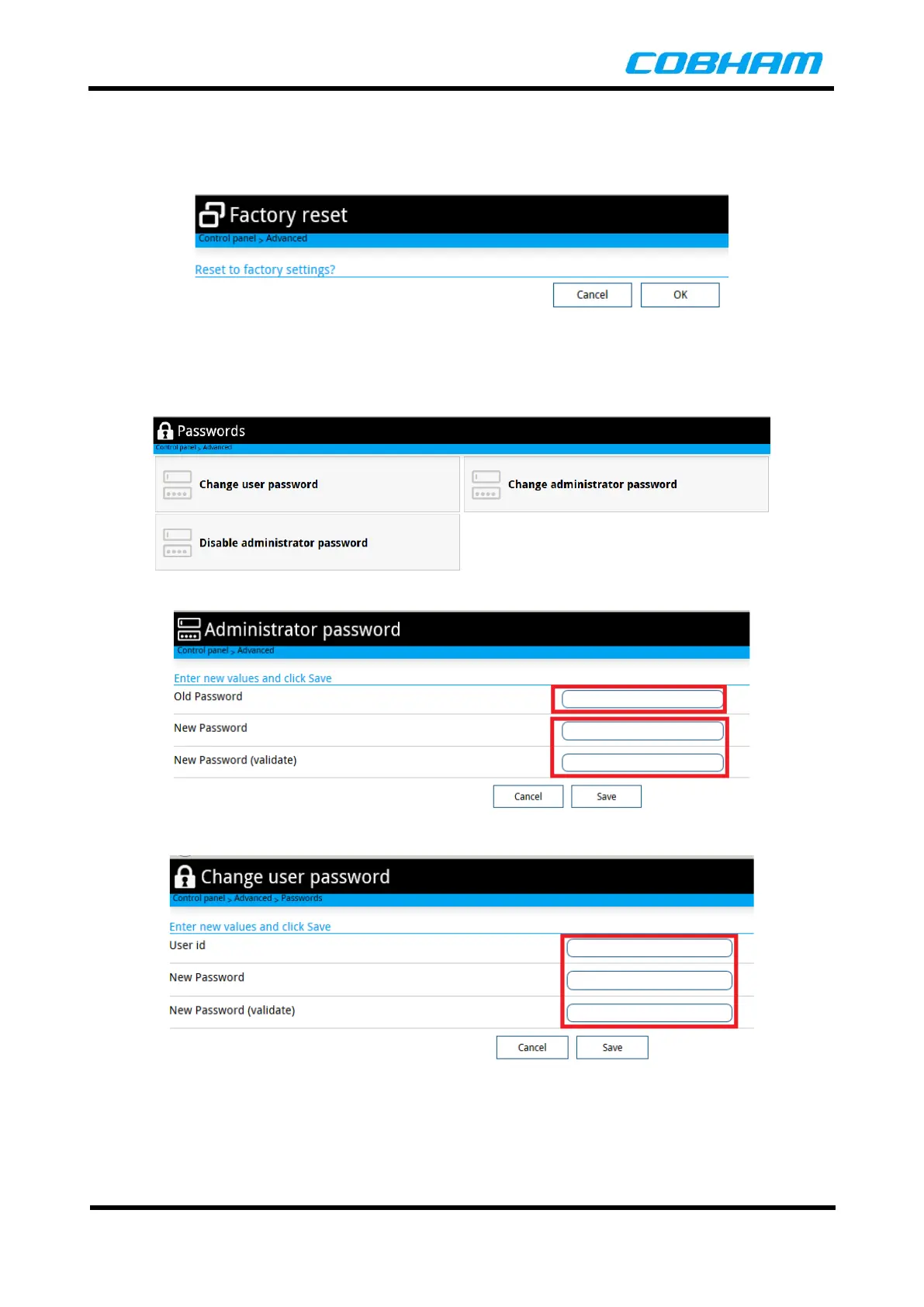
The Factory Reset menu allows the operator to revert all software on the terminal to the default original
software. A confirmation message popup is displayed to confirm resetting the terminal to the factory default.
Figure 8-48: Factory Reset
8.4.6.7 Passwords
The passwords for the users and administrator can be changed from the Passwords menu.
Figure 8-49: Passwords Menu
Figure 8-50: Administrator Password Change
Figure 8-51: Change User Password



 To Next Page