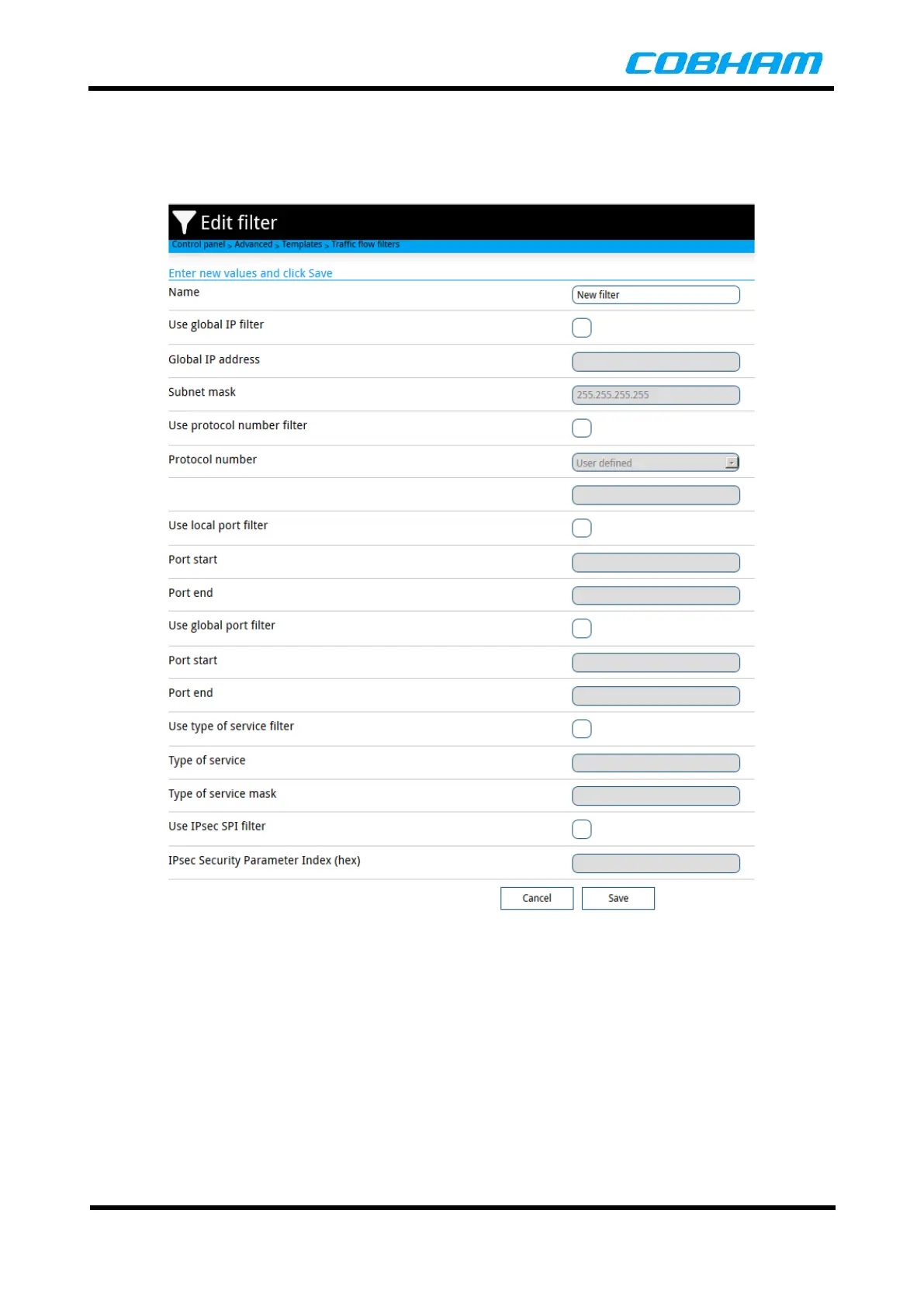
Below is an example of a blank Custom Traffic Flow Filter template. Enter a name for the filter and then fill
in the filter properties for each of the options in the page. Selections for Global IP addresses, specific
protocols, TCP port options, types of service and IPsec protocols. Once the filter is configured, click on the
Save button to store the filter configuration.
Figure 8-57: Create Traffic Filter



 To Next Page